Tutorials
Learn real time terrain
and landscape workflows.
Master the art of world building with our official learning center. From fundamental techniques to advanced production workflows, our comprehensive library of tutorials is designed to empower every creator to build breathtaking landscapes with World Creator.
World Creator 4
Early AccessWorld Creator 4 tutorials are on their way.
World Creator 4 is still in Early Access, so there are no official tutorials for it yet. We are already working on a new tutorial series, and the first tutorials will be available soon. Subscribe to our YouTube channel so you don't miss them. Until then, the World Creator 4 documentation guides you through your first landscape, and the tutorials below cover World Creator 3.
Step by Step
Getting Started Series
Begin your journey into world building with our essential Getting Started series. These tutorials cover the fundamental workflows and core features you need to create your first high fidelity landscape in minutes.
User Interface
In this tutorial, you'll get a clear overview of the World Creator user interface. We'll walk through the main panels, toolbars, and viewport controls to help you understand how the UI is structured and where to find the most important features.
Watch on YouTube
Controls
In this tutorial, you'll learn how to navigate your world in World Creator using the game style camera system and essential keyboard shortcuts. We'll cover camera movement, mouse controls, speed adjustments, and useful shortcuts to help you move efficiently through your terrain.
Watch on YouTube
Basic Terrain Settings
In this tutorial, I'll show you the Terrain Layer, where you can configure settings such as the terrain size, level of detail, and other useful parameters related to the initial terrain that World Creator automatically generates when you start.
Watch on YouTube
Filters, Distributions and Effects
In this tutorial, I'll show you how to use filters in World Creator to create completely different terrain styles, even when starting from the exact same base terrain. This will help you understand how powerful filters really are, and how you can shape your terrain into almost anything you imagine.
Watch on YouTube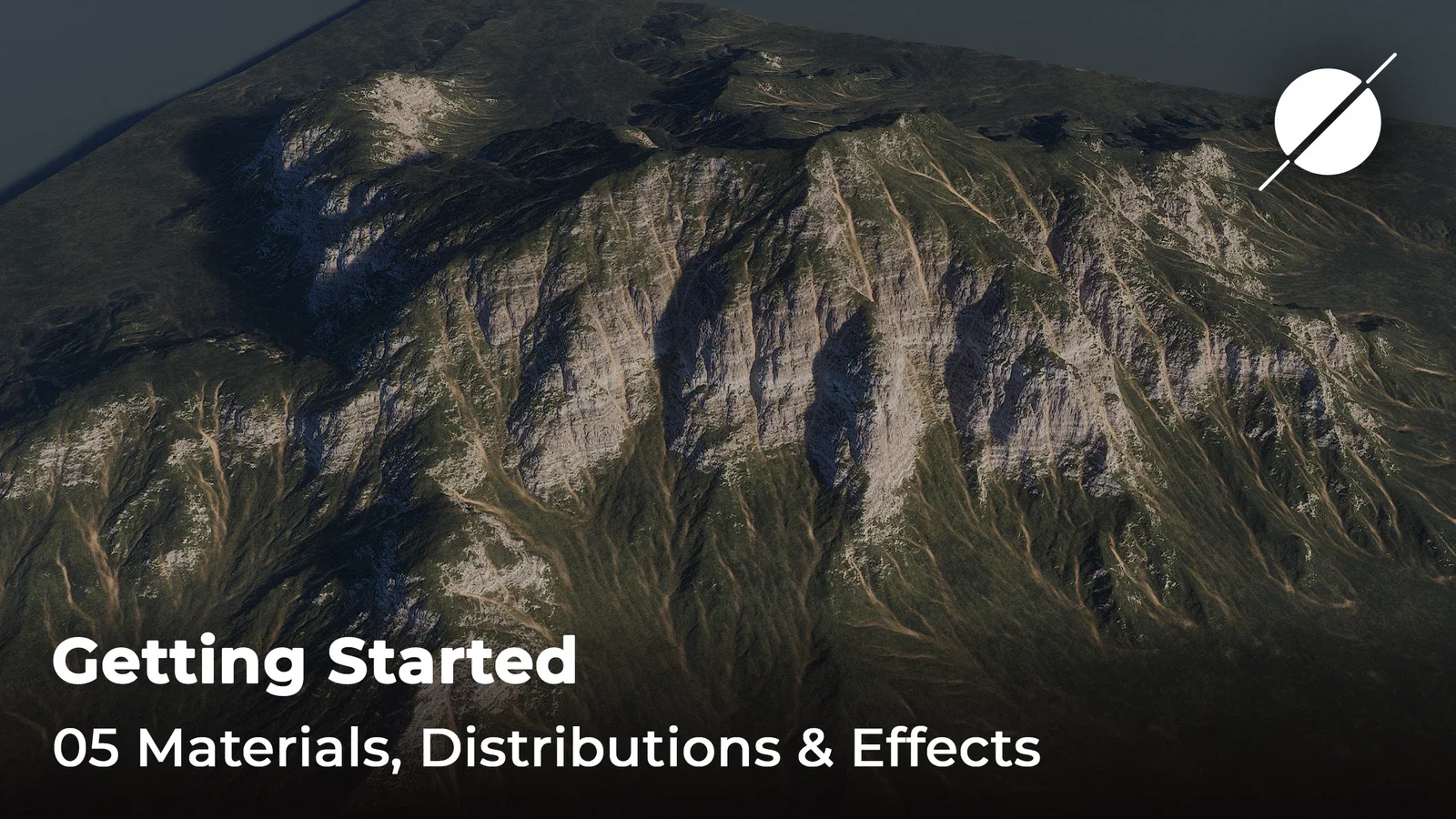
Materials, Distributions and Effects
In this tutorial, we dive deep into the material system of World Creator! I'll show you exactly how to set up, blend, and optimize materials to unleash the full potential of your terrain generation. By the end of this video, you will understand just how incredibly powerful this system really is and how you can use it to achieve stunning, photorealistic landscapes for your own projects.
Watch on YouTubeLearning by Example
Let's Create Series
Follow our professional artists through complete world building projects. These walkthroughs demonstrate how to combine multiple tools and techniques to create stunning, production ready environments from scratch.
Desert Biomes
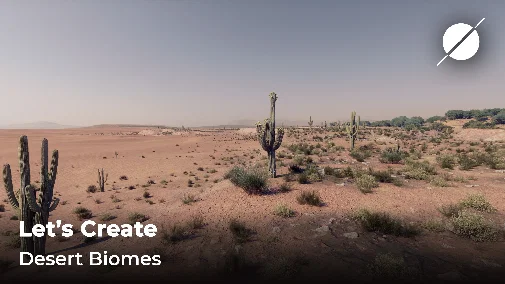
In this 'Let's Create' tutorial, we will show you how to create a desert landscape from scratch using World Creator. But that's not all!
Watch on YouTube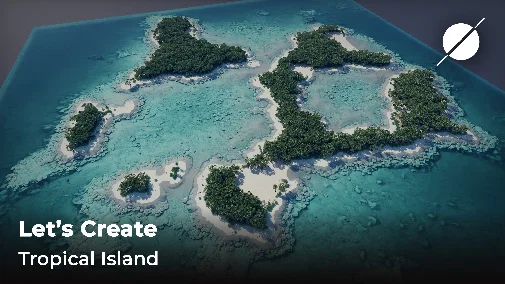
Tropical Island
In this 'Let's Create' tutorial, we will show you how to build a beautiful tropical island from scratch using World Creator.
Watch on YouTube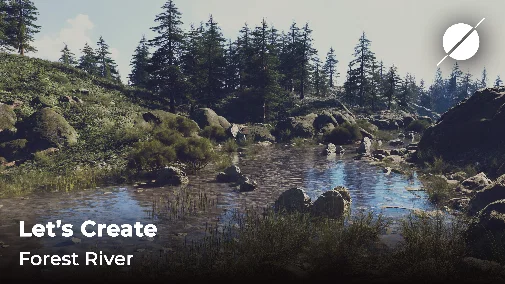
Forest by a River
In this 'Let's Create' tutorial, we will show you how to create a forest like landscape with a river flow from scratch using World Creator.
Watch on YouTube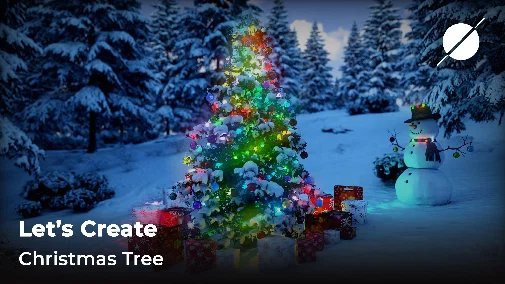
Christmas Tree
In this 'Let's Create' tutorial, we will show you how to create a Christmas tree scene in a spruce forest.
Watch on YouTubeWorld Creator Bridge Tools
Bridge Tools Series
Master the art of professional asset transfer with our Bridge Tools series. Learn how to maintain the highest visual fidelity while moving your terrains into Unreal Engine, Unity, Blender, and other industry leading applications.
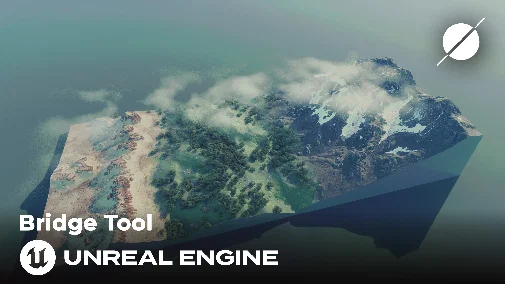
Unreal Engine Bridge
In this tutorial, we will show you how to sync a terrain out of World Creator and take it to Unreal Engine using the World Creator Unreal bridge, which can be downloaded in the customer portal on the World Creator website.
Watch on YouTube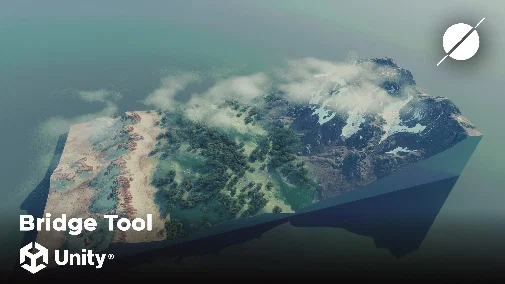
Unity Engine Bridge
In this tutorial, we will show you how to sync a terrain out of World Creator and take it to Unity Engine using the World Creator Unity bridge, which can be downloaded in the customer portal on the World Creator website.
Watch on YouTube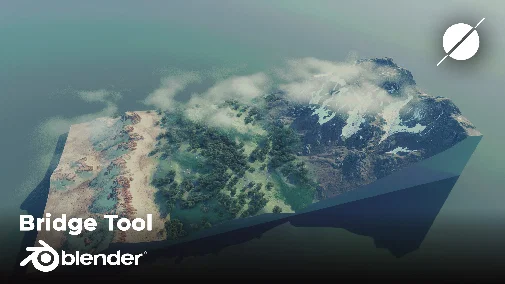
Blender Bridge
In this tutorial, we will show you how to sync a terrain out of World Creator and take it to Blender using the World Creator Blender bridge, which can be downloaded in the customer portal on the World Creator website.
Watch on YouTubeQuickies
Quick & Dirty Series
Get impressive results in record time with our Quick & Dirty series. These fast paced tutorials bypass deep technical dives and focus on the most efficient shortcuts and clever tricks for rapid landscape creation.
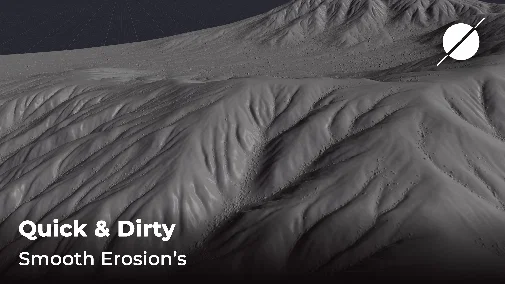
Smooth Erosion's
Shows how to create smooth erosion's in World Creator and to eliminate bumps and spikes.
Watch on YouTube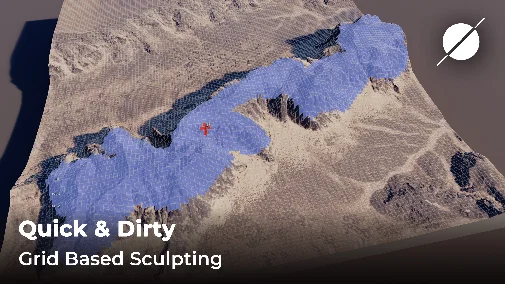
Grid Based Sculpting
Shows how to use the Grid Based Sculpting tools to quickly create terrain shapes by design.
Watch on YouTube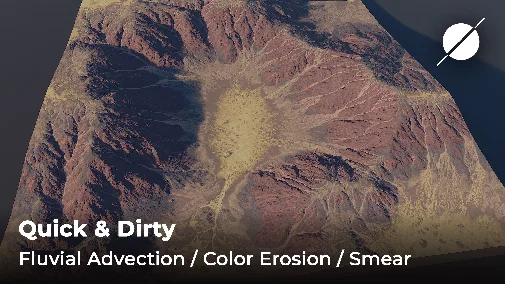
Fluvial Advection / Color Erosion / Smear Effect
Shows how to use the Smear Effect to apply Fluvial Advection in World Creator (also known as Color Erosion).
Watch on YouTubePartners
Partner Courses
Expand your creative horizons with professional masterclasses from our global partners and industry veterans. These specialized courses offer unique perspectives and advanced workflows across diverse production pipelines.

Design with TP
Tyler is an architectural designer, video producer and editor, and 3D environment artist who is always striving to learn as much as possible when it comes to design.
Visit on YouTube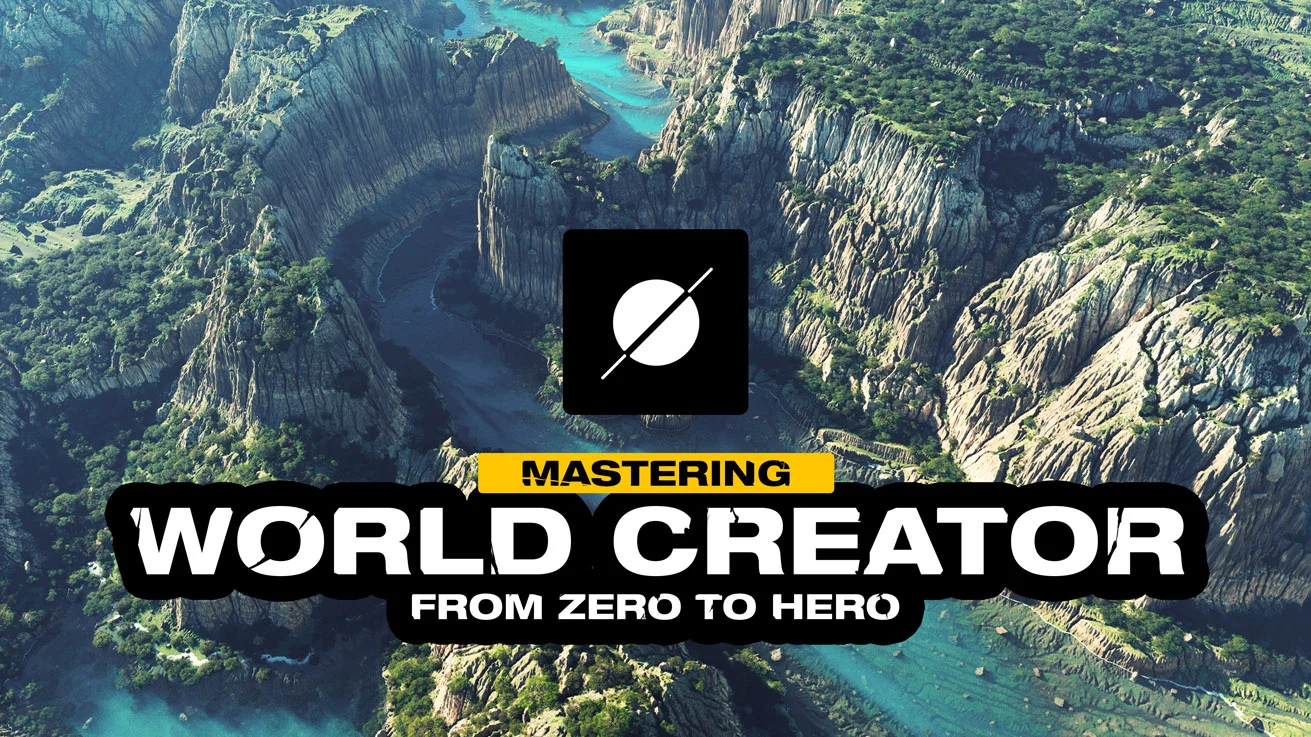
Mastering World Creator: From Zero to Hero
A complete, practical World Creator course covering the industry proven terrain creation workflows in a structured, step by step way. Learn all the essential tools and workflows World Creator is known and loved for. Start with the essentials and build up to advanced techniques creating stunning landscapes in no time.
Open course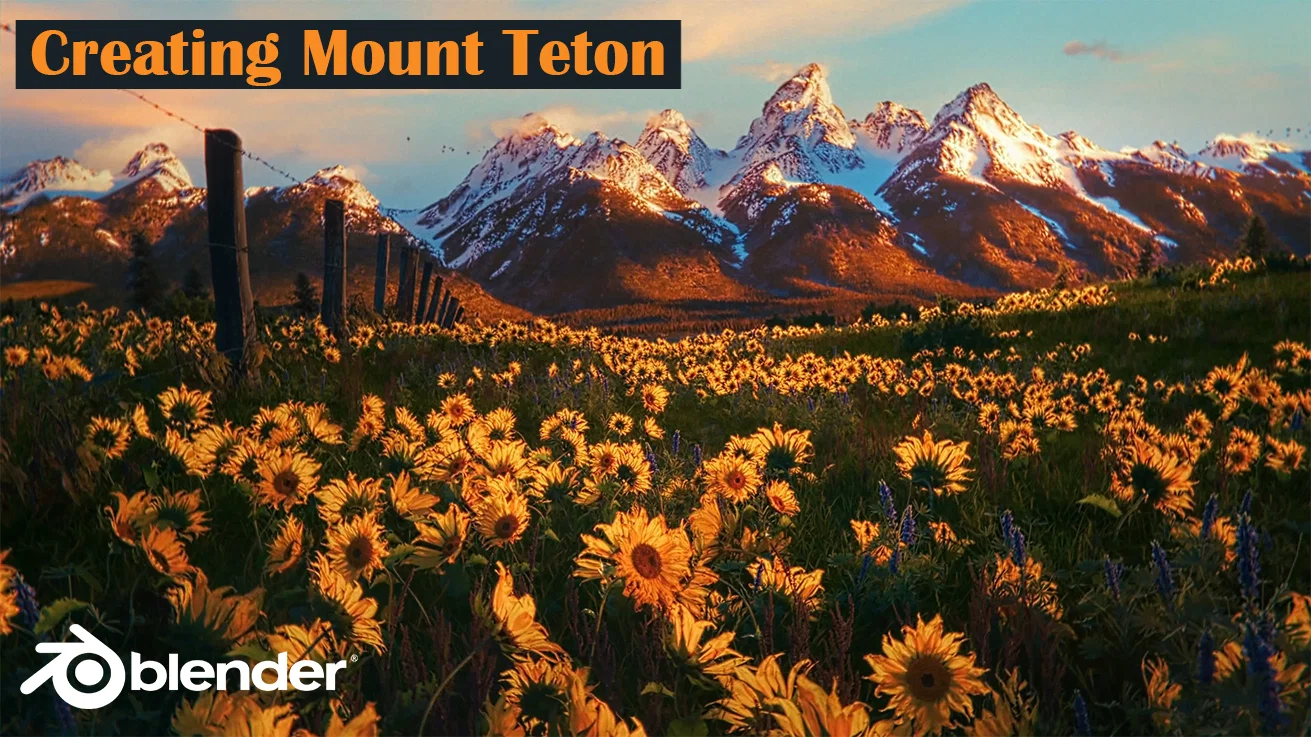
Creating Mount Teton
In this tutorial, you will learn how to create Mount Teton in World Creator. Alok will guide you through exporting from World Creator to Blender using the Sync option and the Blender plugin, and then setting up your materials in Blender.
Open tutorial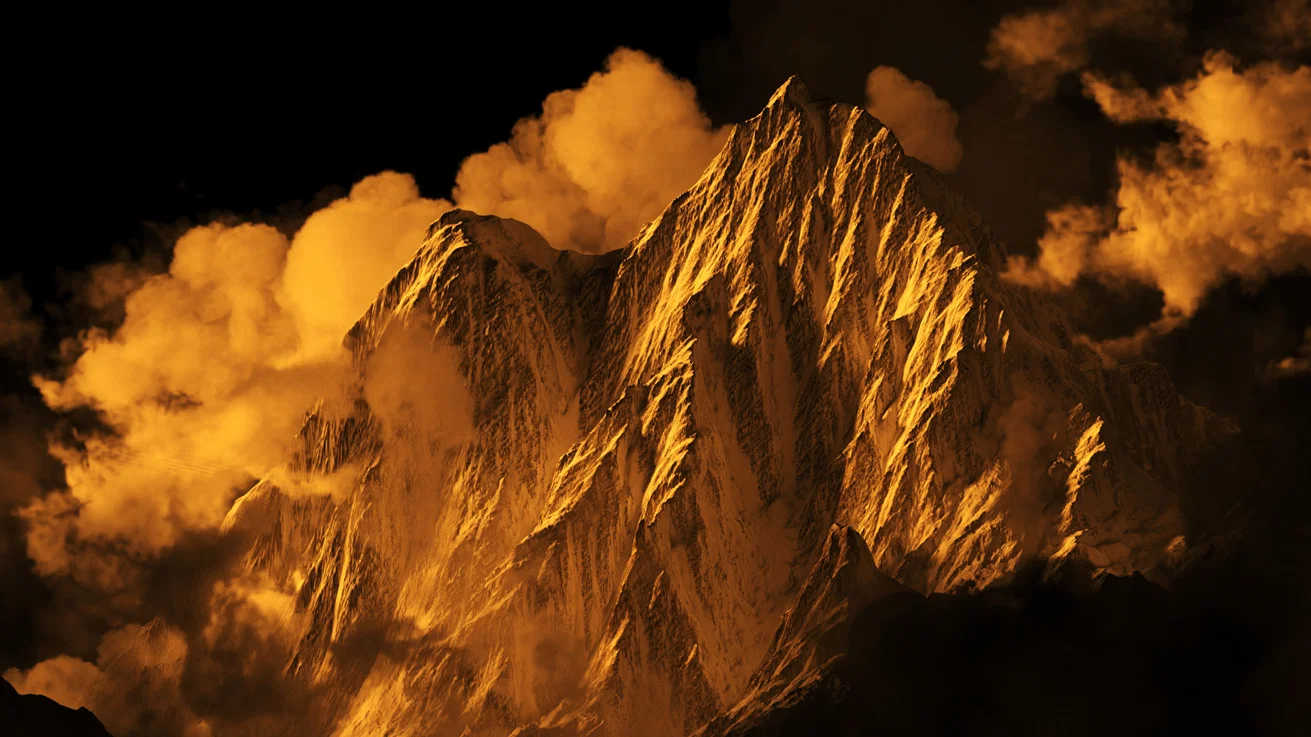
Cinematic Environment in World Creator and 3DS Max
Watch how Michael Khachaturyan is using World Creator to create cinematic projects, sharing his techniques for achieving final, high quality renders.
Watch on YouTube