World CreatorBuy

Feature overview

Everything you need to create
breathtaking procedural terrains.

From terrain shaping and erosion to materials, rendering, export maps, live bridges and production ready pipeline tools. World Creator gives you a complete real time landscape creation workflow in one powerful application.

  • WindowsAvailable now
  • macOSAvailable now
  • LinuxComing soon

Interface

A clutter free interface, built around your work

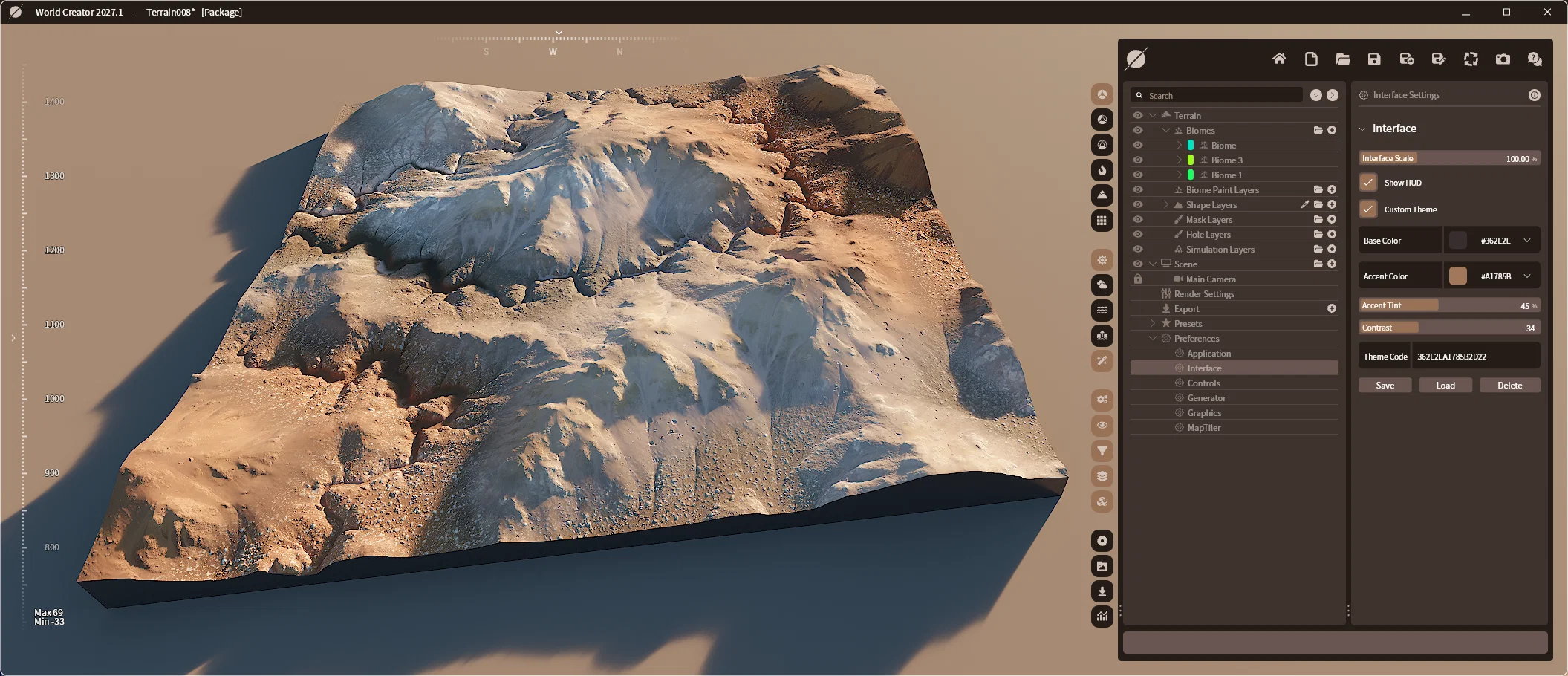
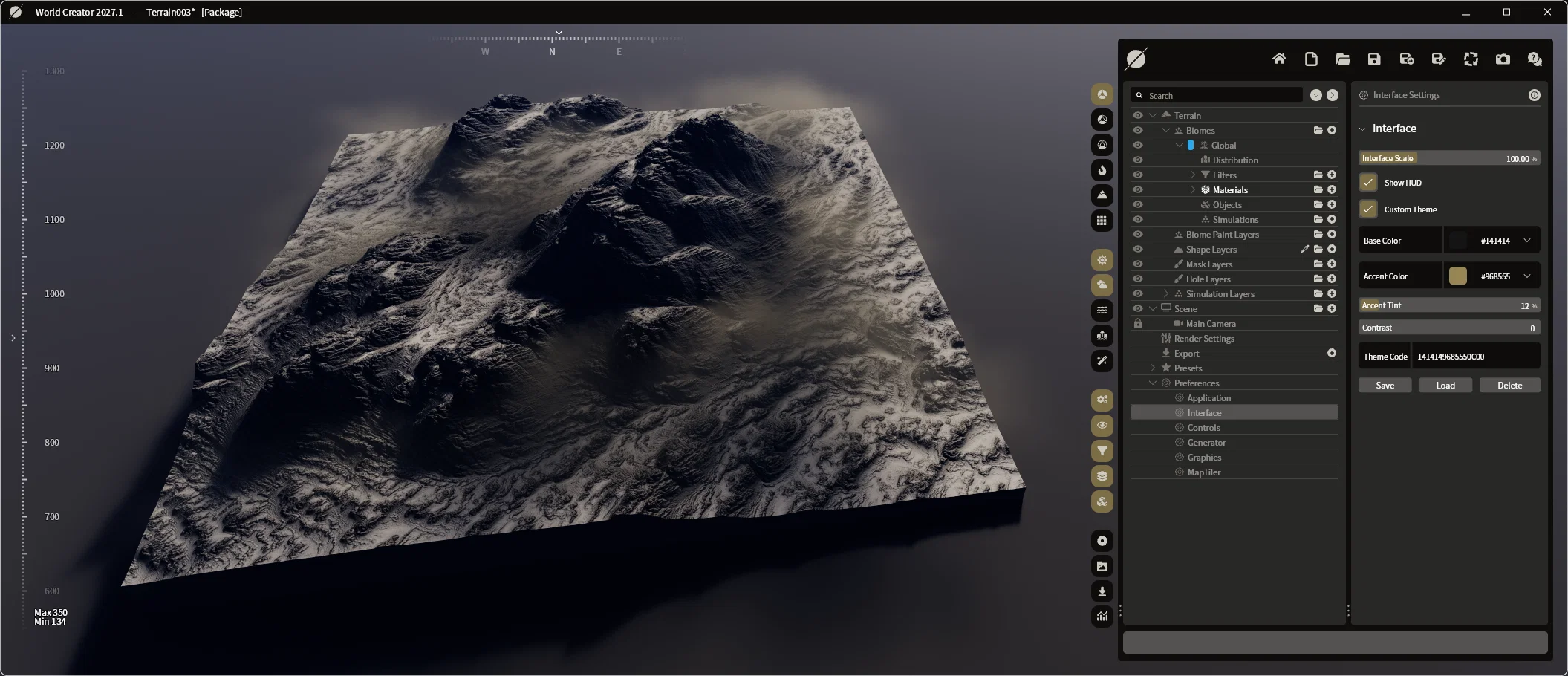
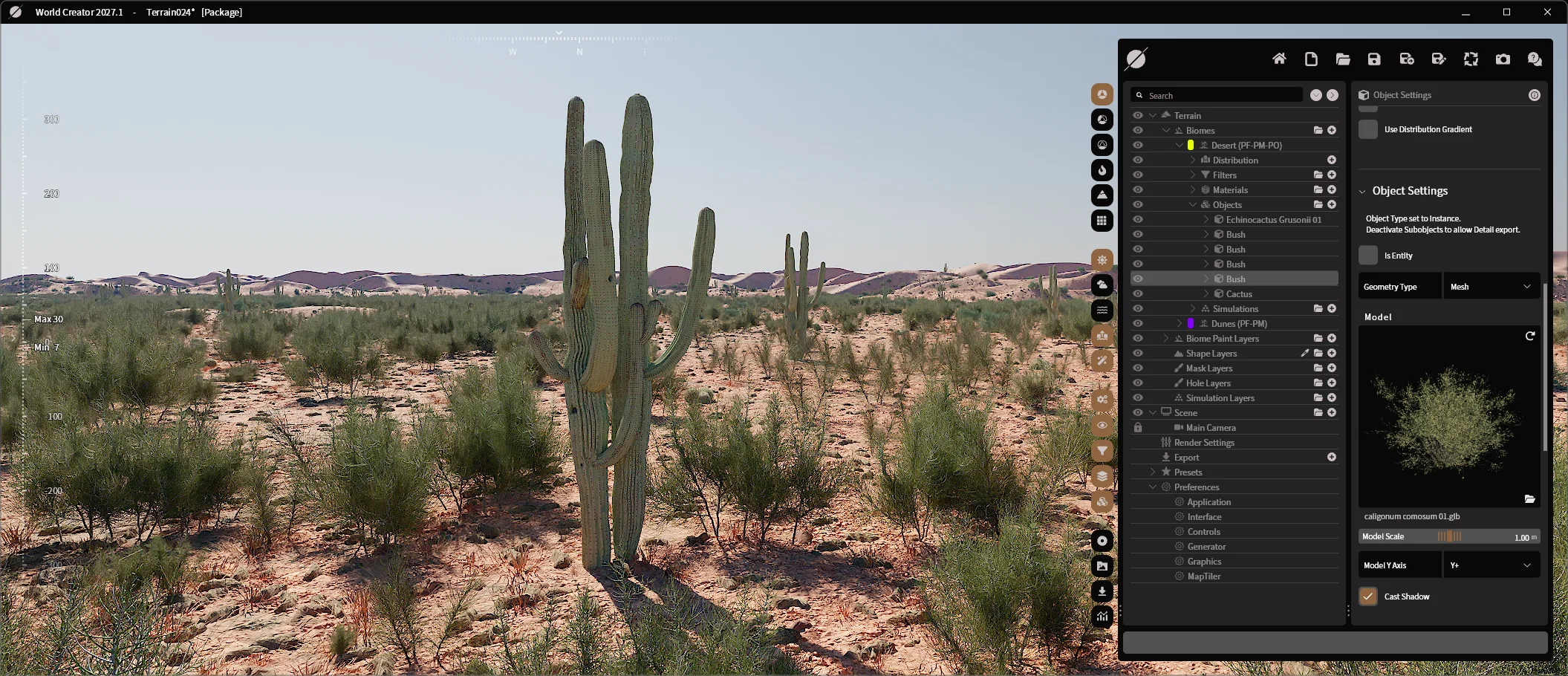
World Creator features a clean interface designed to stay out of your way. With no intrusive windows to distract you, you'll always have a perfect, unobstructed view of your scene. Choose from 15 built in themes or design your own to match the way you work.

World Creator interface theme preview 1
World Creator interface theme preview 2
World Creator interface theme preview 3
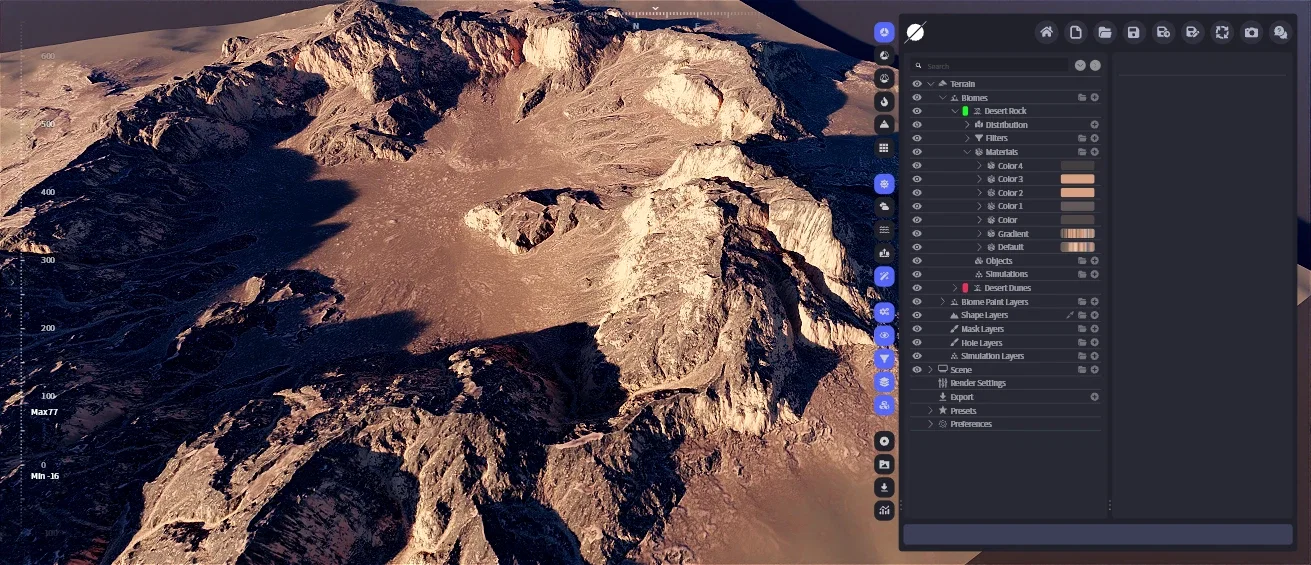
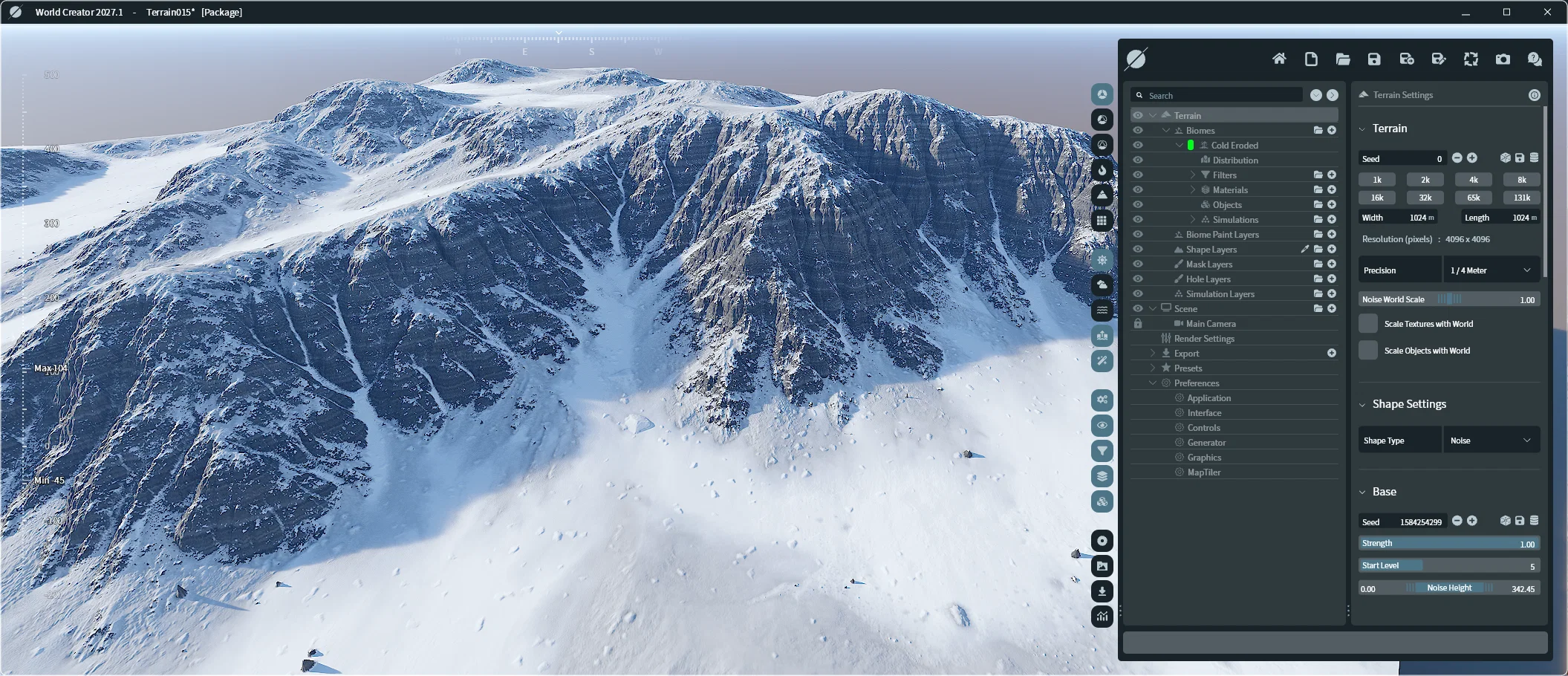
World Creator main user interface, full editor view

Terrain Design

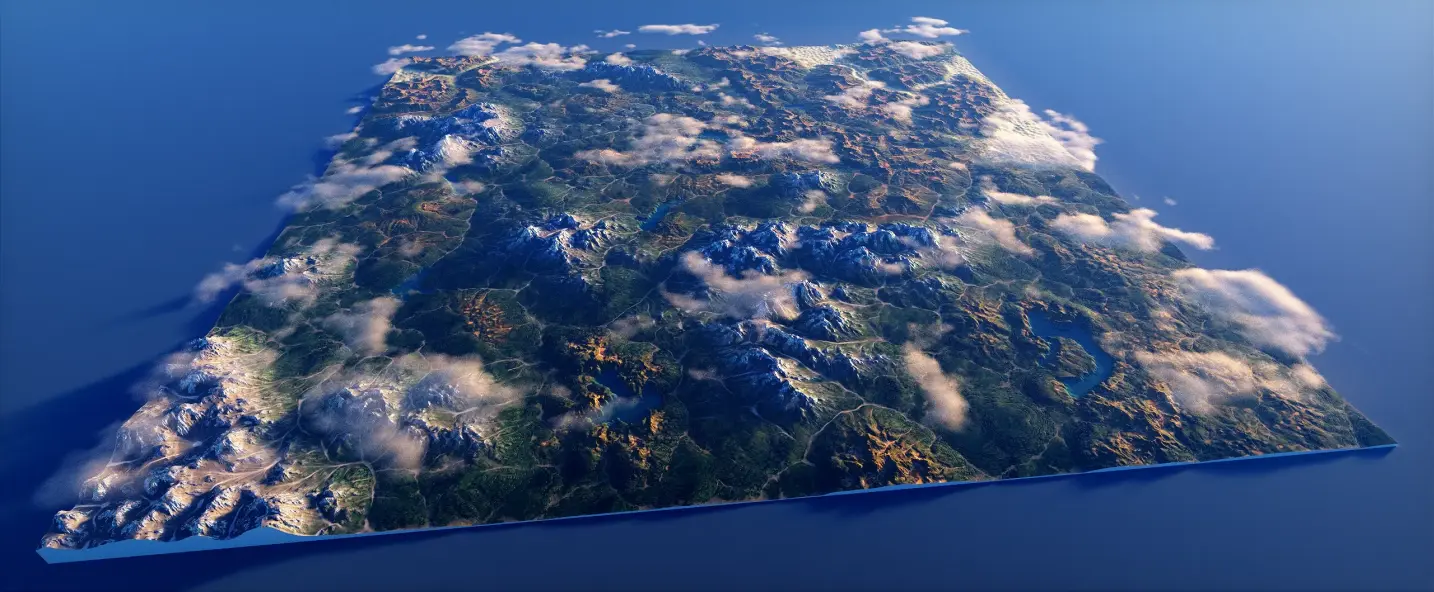
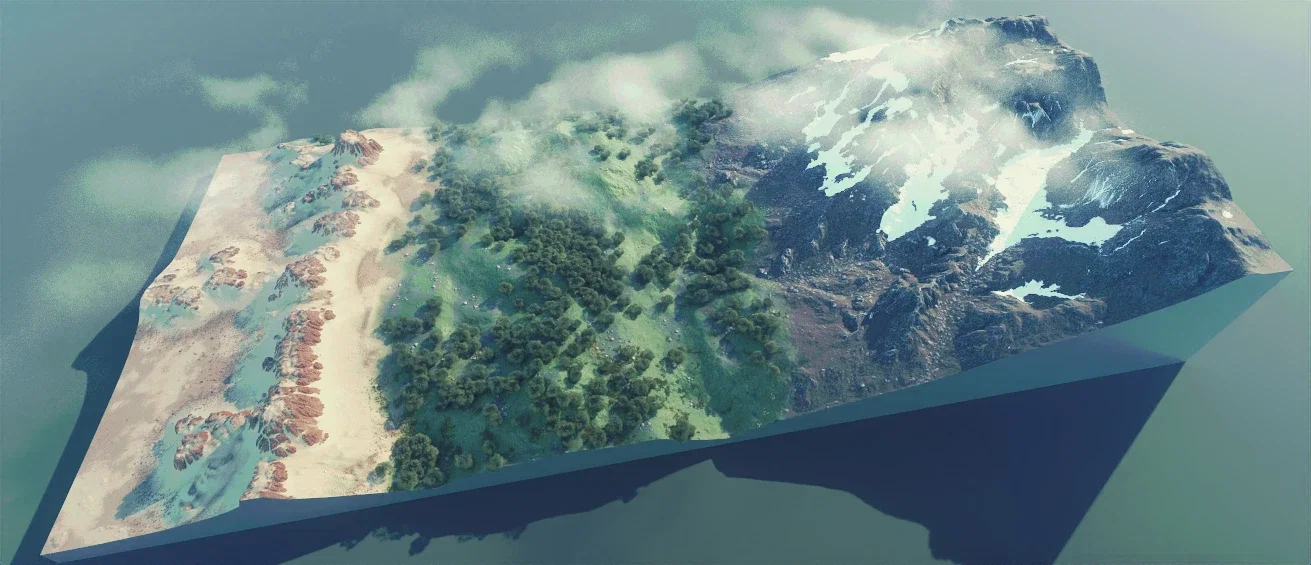
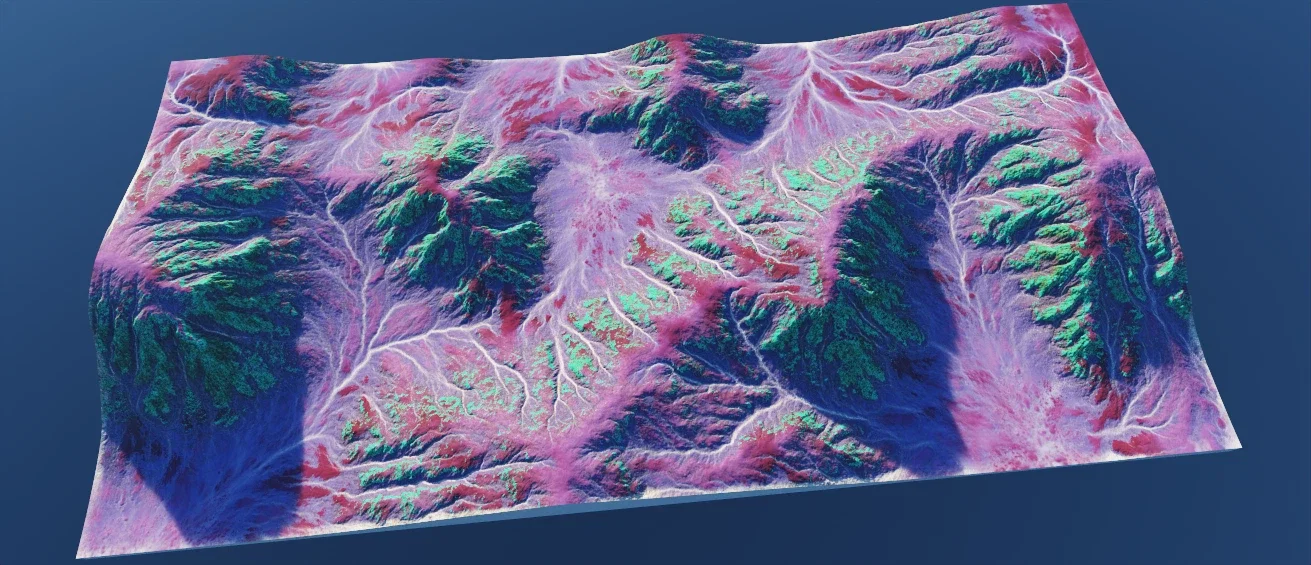
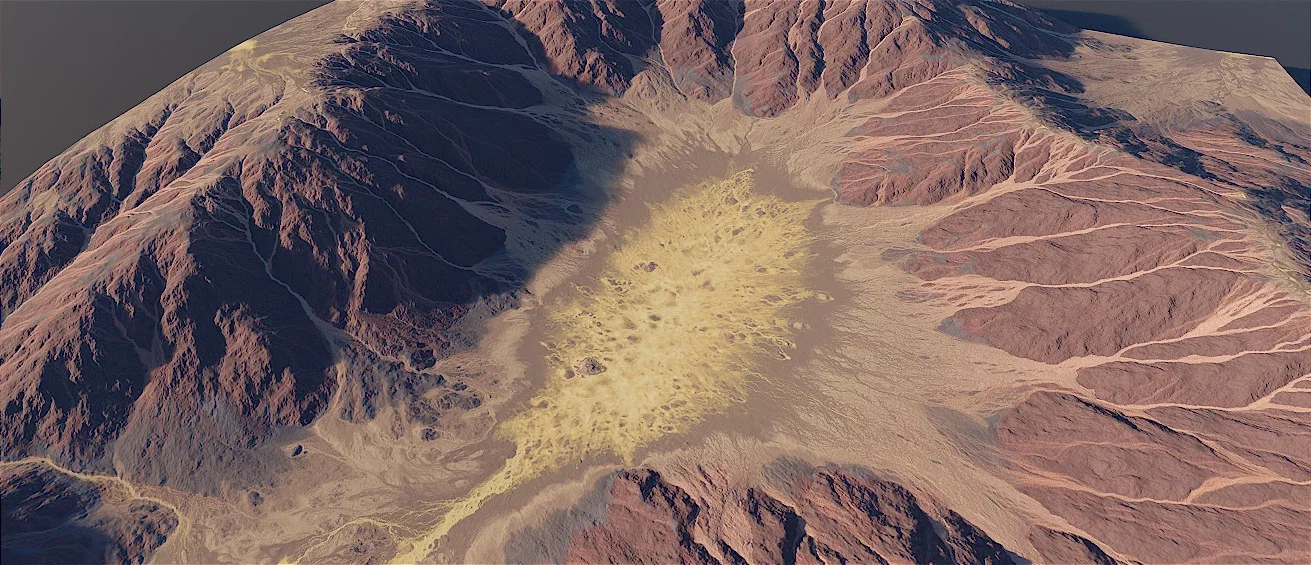
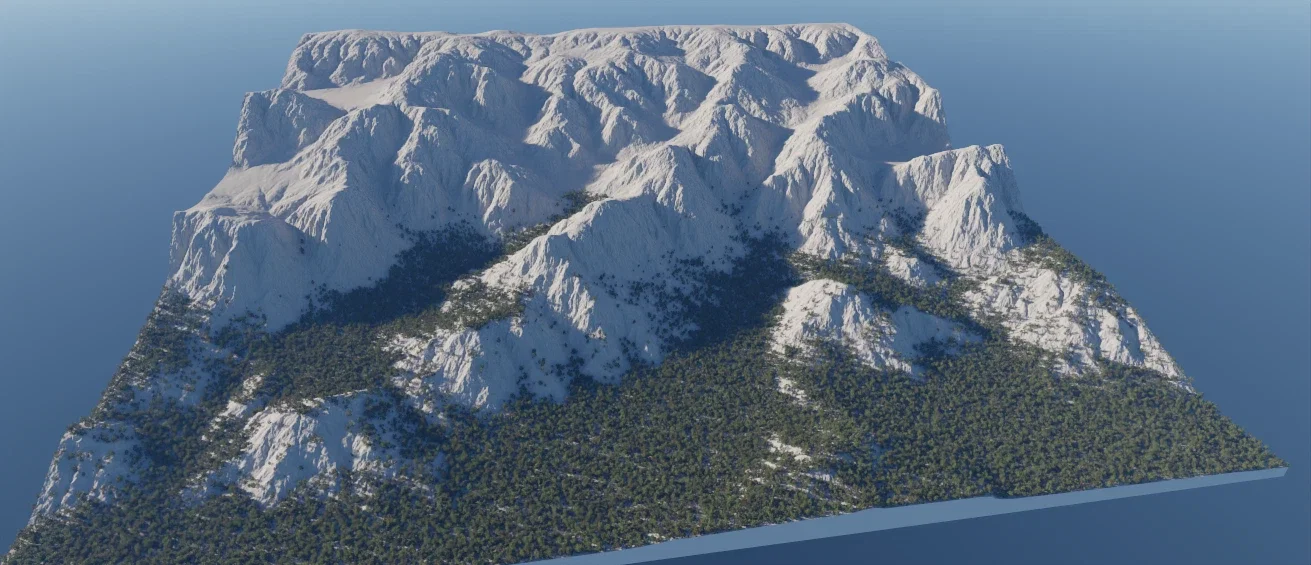
Real time procedural terrain generation with erosion, heightmaps and non destructive control

Create and refine terrains with real time shaping, sculpting, erosion, filters, masks, and terrain design tools built for exploration and control.

Advanced Filter Masking Engines

Advanced Filter Masking Engines

  • Hybrid Masking Workflow (Manual & Procedural)
  • Terrain Aware Selectors
  • Custom Paint & Image Import
  • Dynamic Noise Generators
  • Universal Filter Control
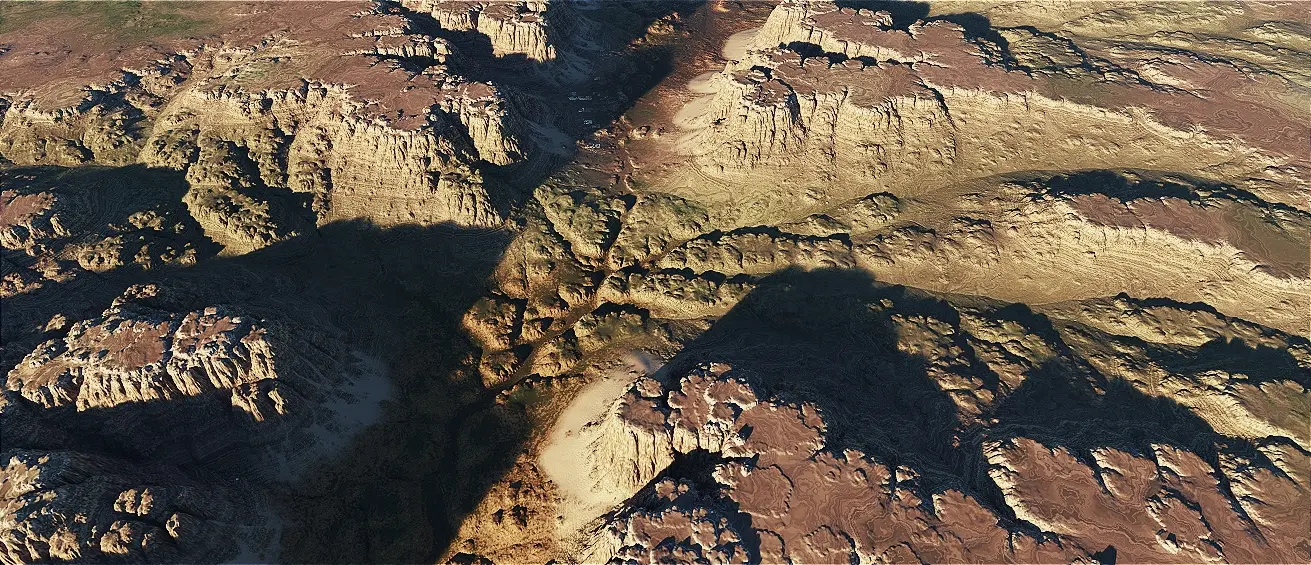
Unlimited Terrain Size and Detail

Unlimited Terrain Size and Detail

  • Scale terrains from small scenes to massive worlds
  • Maintain detail at any resolution
  • Ideal for games, film and simulation
Biomes

Biomes

  • Define biome zones and environmental regions
  • Control vegetation and terrain distribution
  • Maintain consistency across massive worlds
Procedural Filters and Masks

Procedural Filters and Masks

  • 6+ Erosion Filters
  • 7+ Arid Filters
  • 4+ Terrace Filters
  • 12+ Effect Filters
  • 2+ Drift Filters
  • 10+ Noise Filters
Realistic Simulations

Realistic Simulations

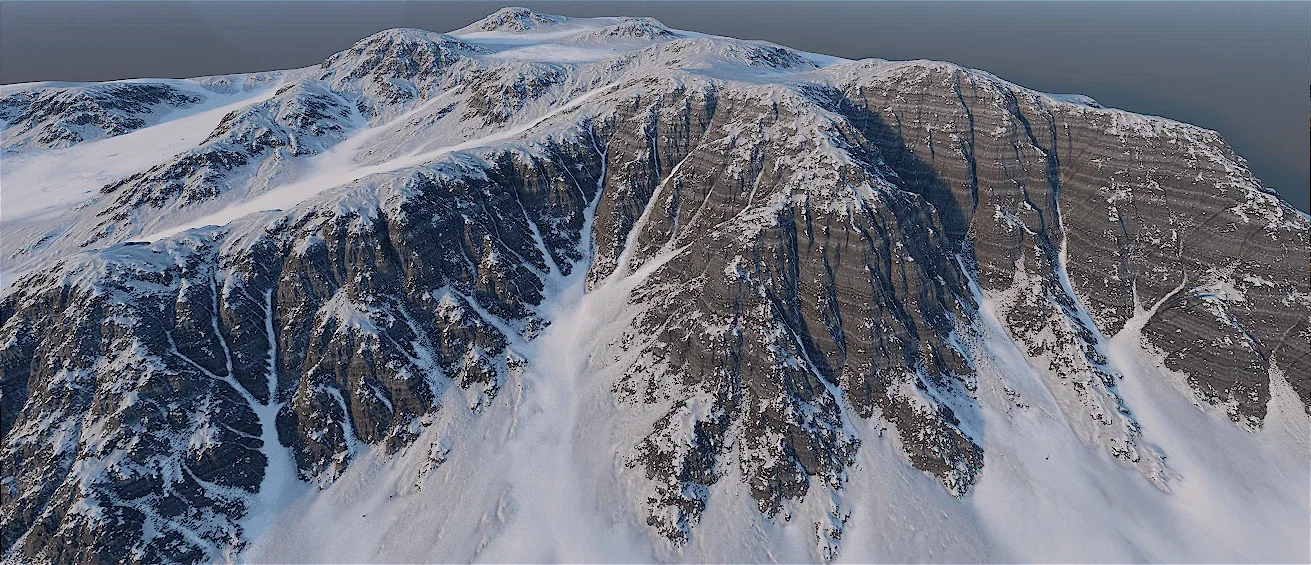
  • Snow Simulation
  • Sand Simulation
  • Debris Simulation (Stones, Rocks)
  • Fluid Simulation (Water, Glaciers, Lava)
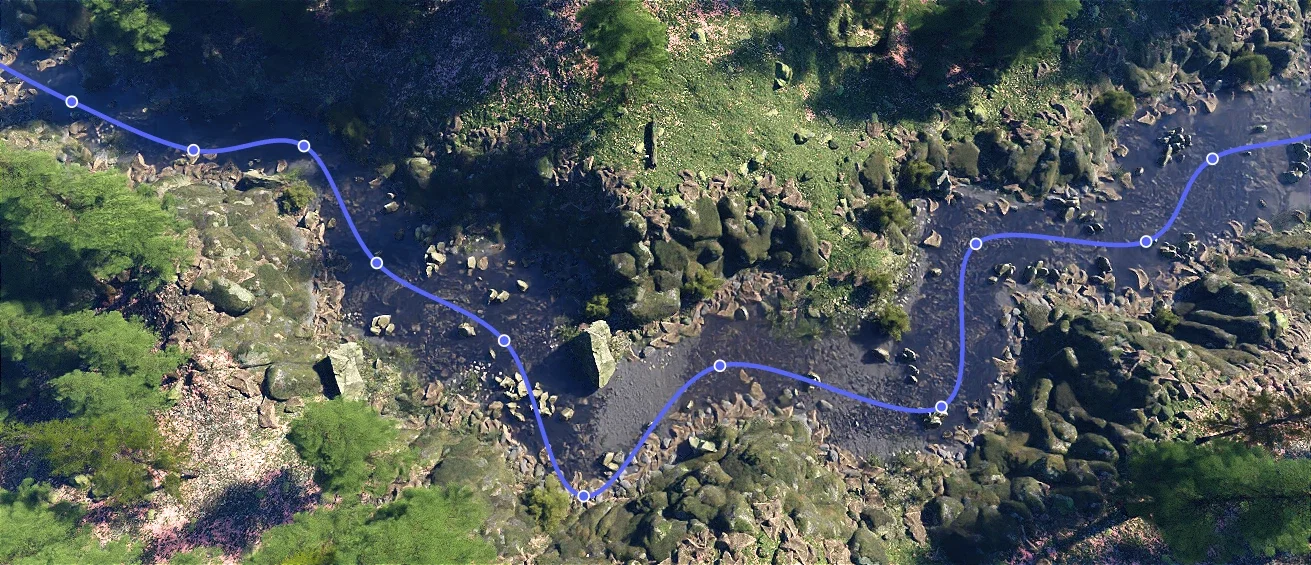
River Generator

River Generator

  • Procedural river generation
  • Manual adjustments
  • Manual river generation
  • Natural water flow paths
  • Meanders
  • River deltas
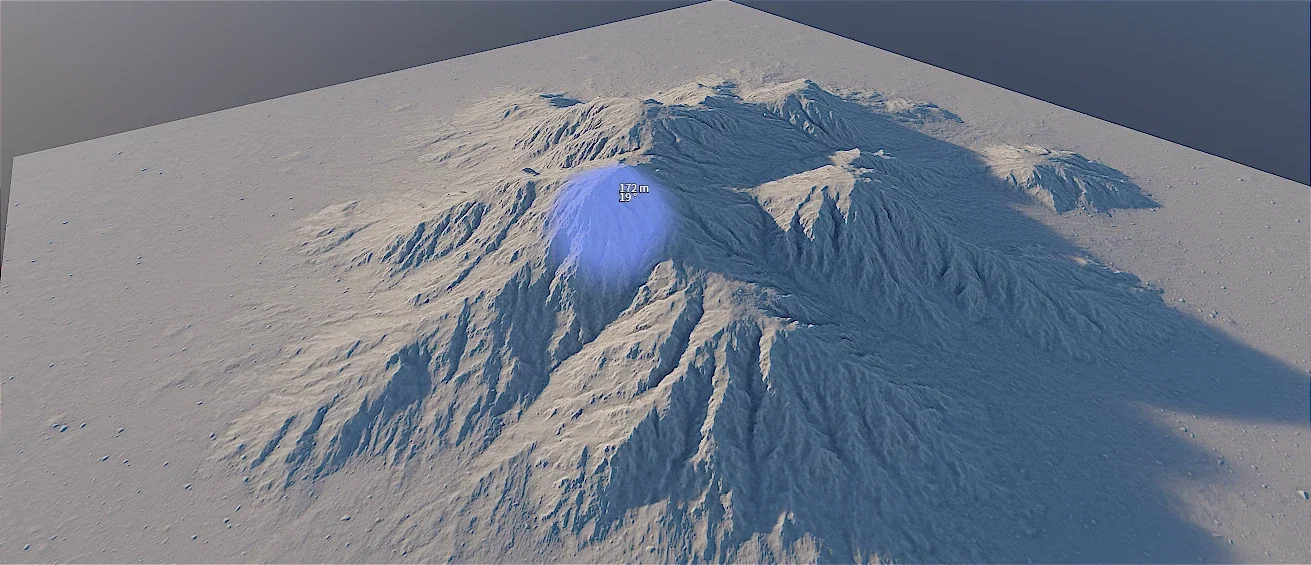
Terrain Sculpting

Terrain Sculpting

  • Real time terrain editing
  • Use custom brushes
  • Precise artistic control
  • Combine manual and procedural workflows
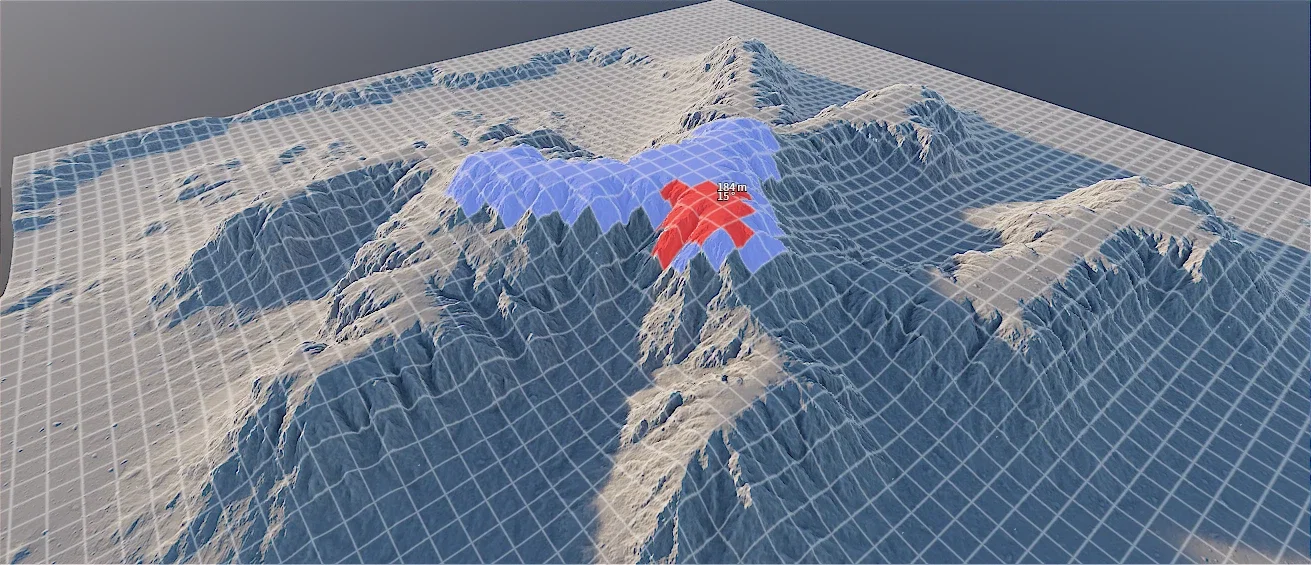
Next Gen Terrain Sculpting

Next Gen Terrain Sculpting

  • Real time terrain editing
  • Rapid manual creation
  • High scale performance
  • Combine manual and procedural workflows
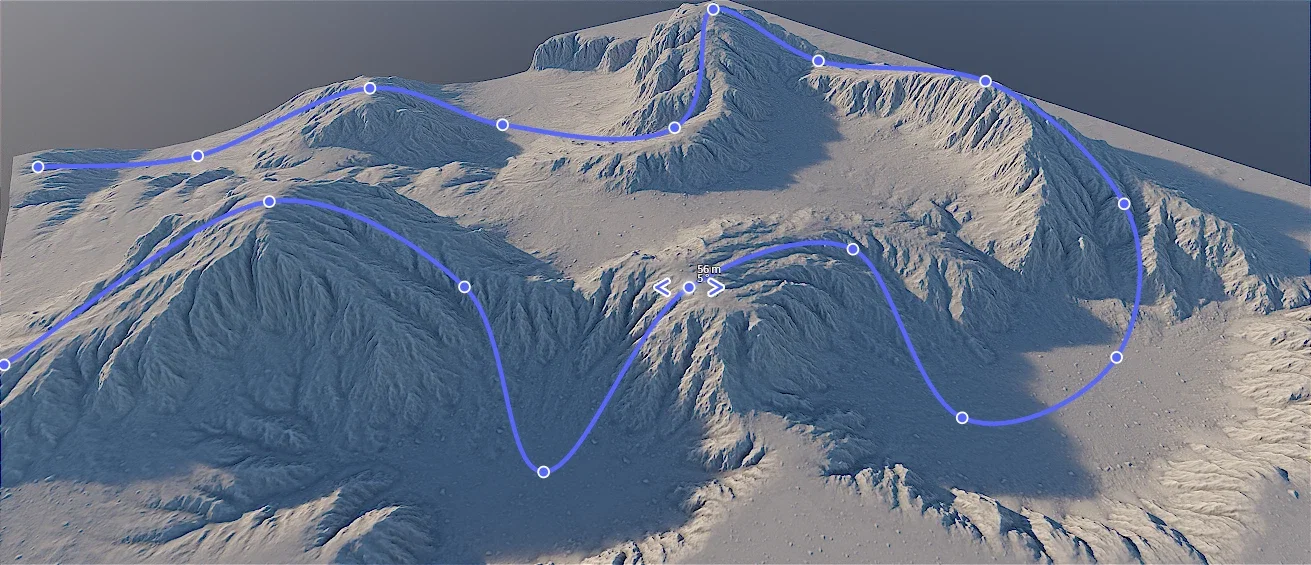
Powerful Shape Tools

Powerful Shape Tools

  • Create mountains and geological formations
  • Flexible terrain shaping workflows
  • Vector tools for paths, rivers and mountains
  • 2D primitive tools
2D Terrain Stamping

2D Terrain Stamping

  • Instant map import (Height & Color)
  • Real time transformation (Scale & Rotate)
  • Perfect procedural blending
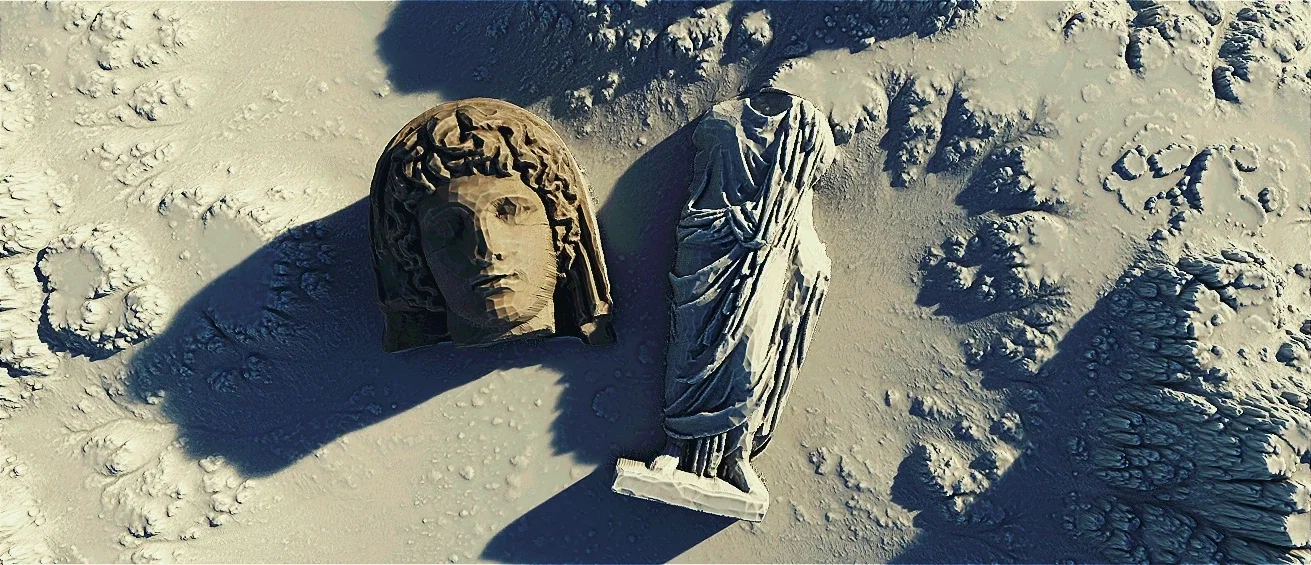
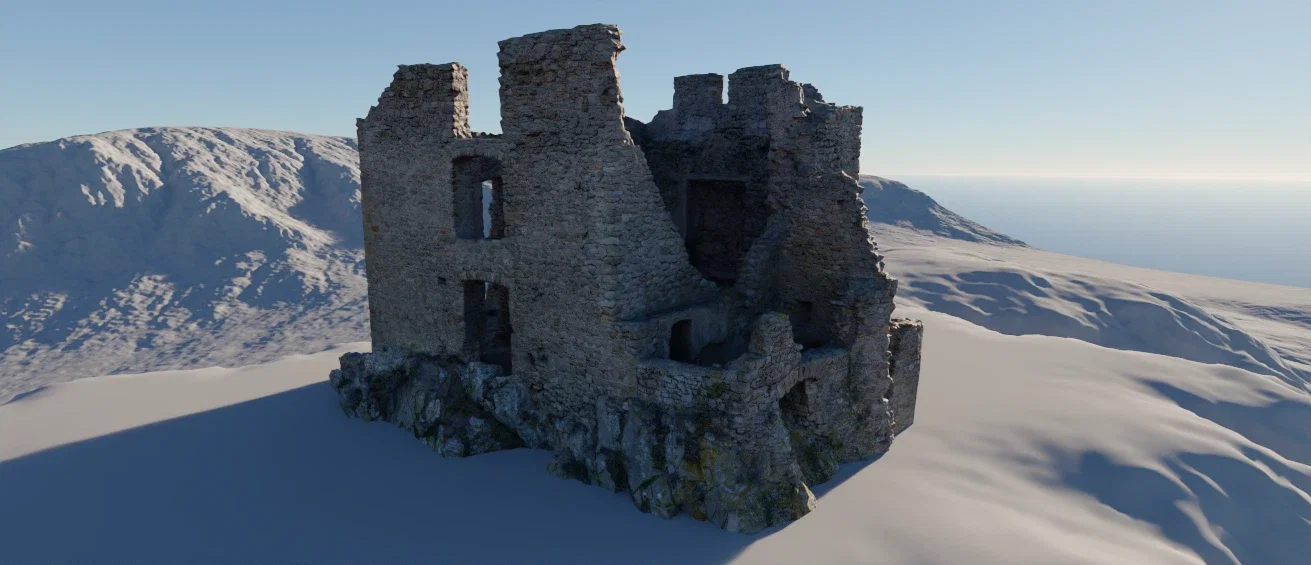
Advanced 3D Model Stamping

Advanced 3D Model Stamping

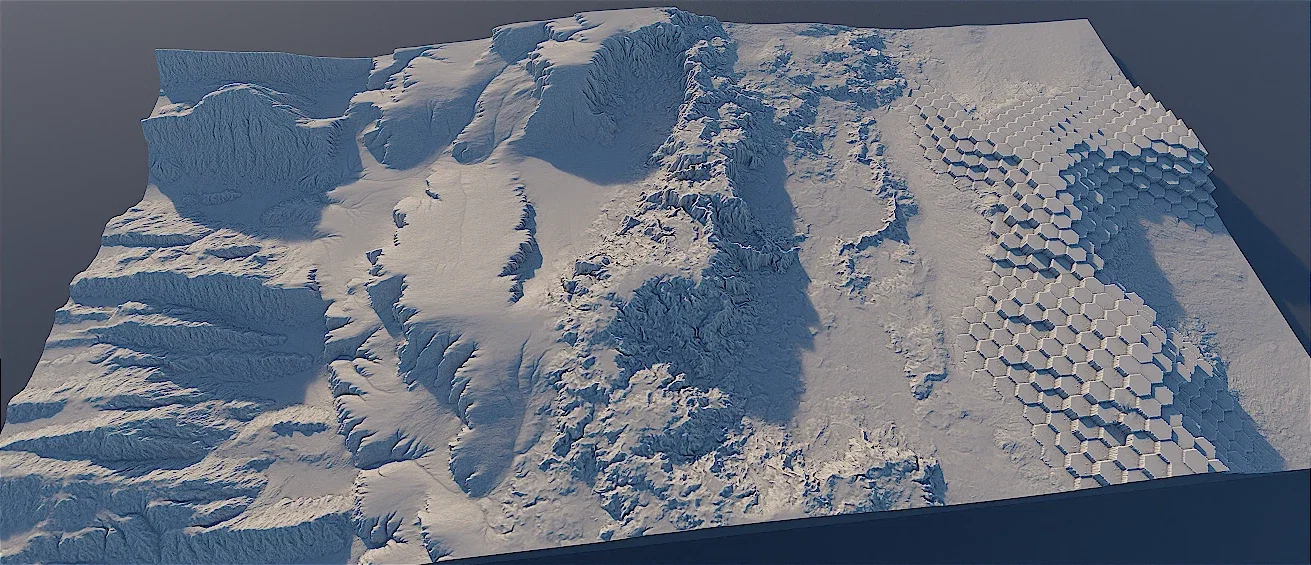
  • Dynamic 3D to Height conversion
  • Arbitrary transform flexibility (Scale, Rotate, Place)
  • Universal model support
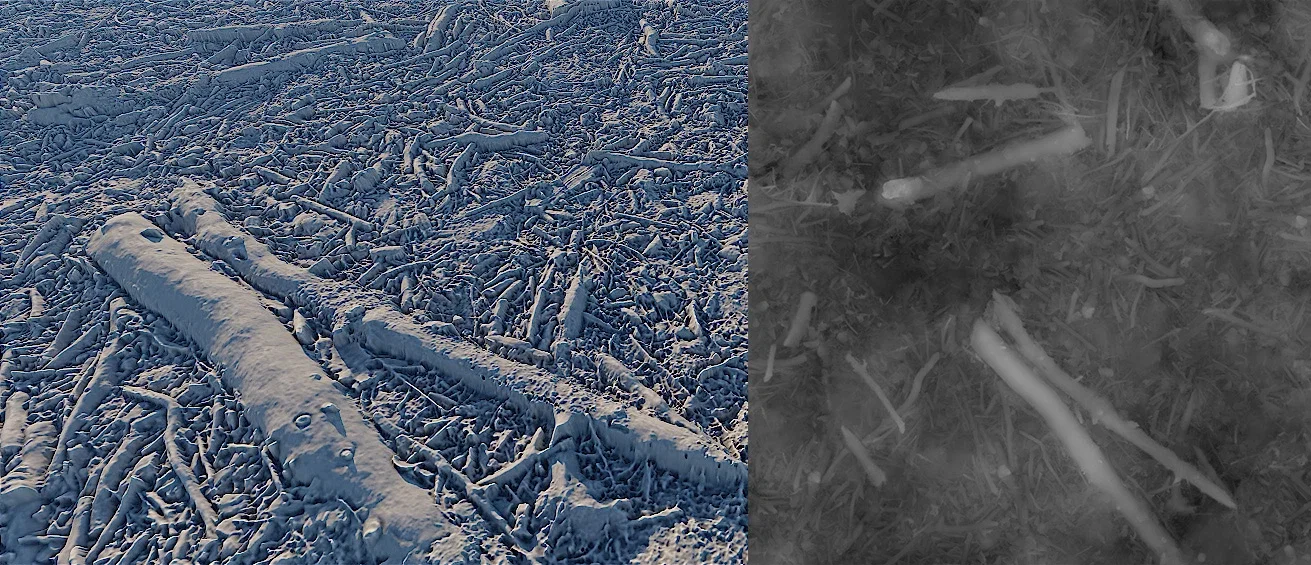
Procedural Displacement Filter

Procedural Displacement Filter

  • Procedural filter integration
  • True geometric depth
  • Baked in height data
  • Universal map support

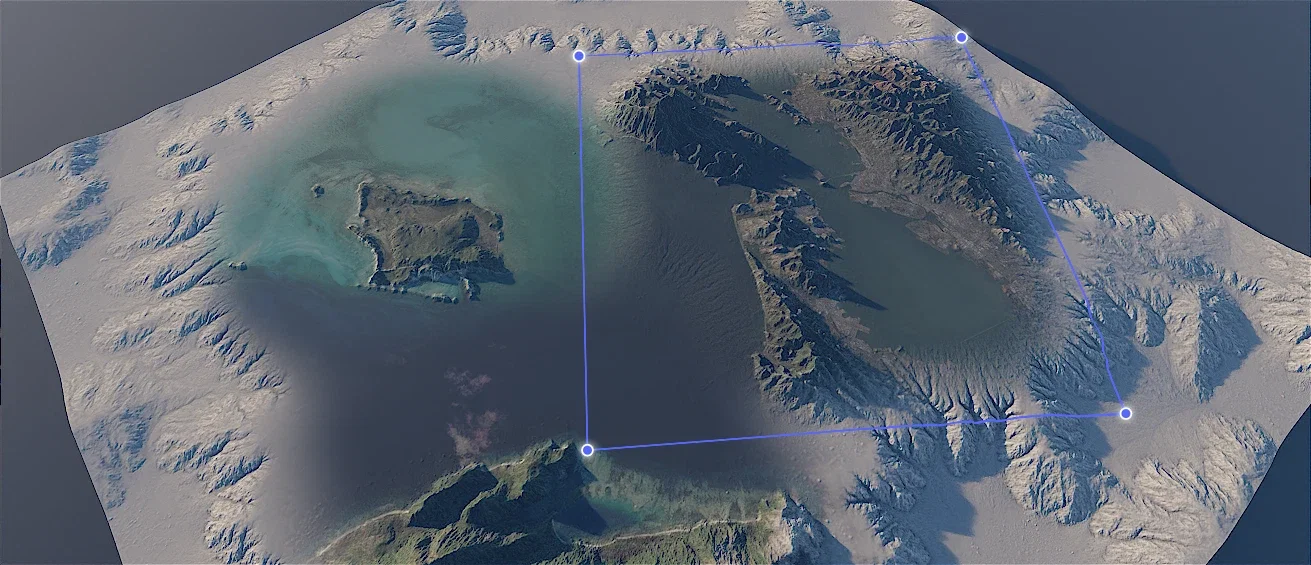
Real World Data Streaming

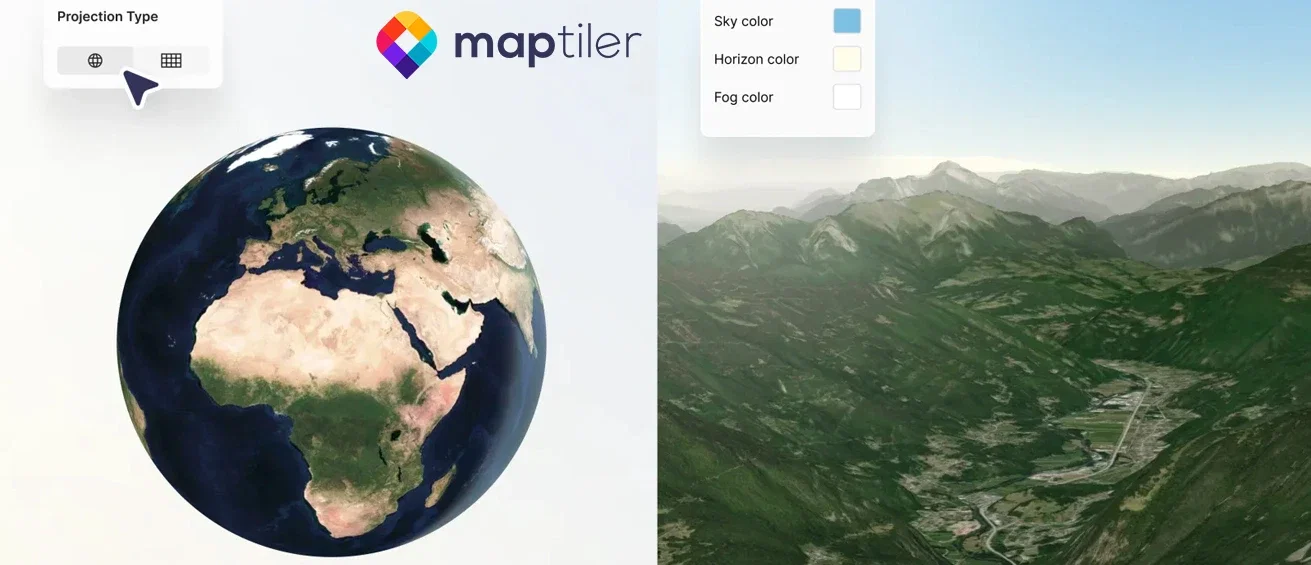
Bring any location on Earth directly into your project with seamless real world data streaming. Powered by the industry leading MapTiler service, this tool streams high resolution heightmaps and satellite imagery into World Creator in real time. Use authentic topography as a foundation and layer procedural filters or erosion on top of real world geometry for maximum realism.

Real world data streamed from MapTiler into World Creator
Global MapTiler integration
Production friendly
Non destructive foundations
Real time, out of the box

Materials & Texturing

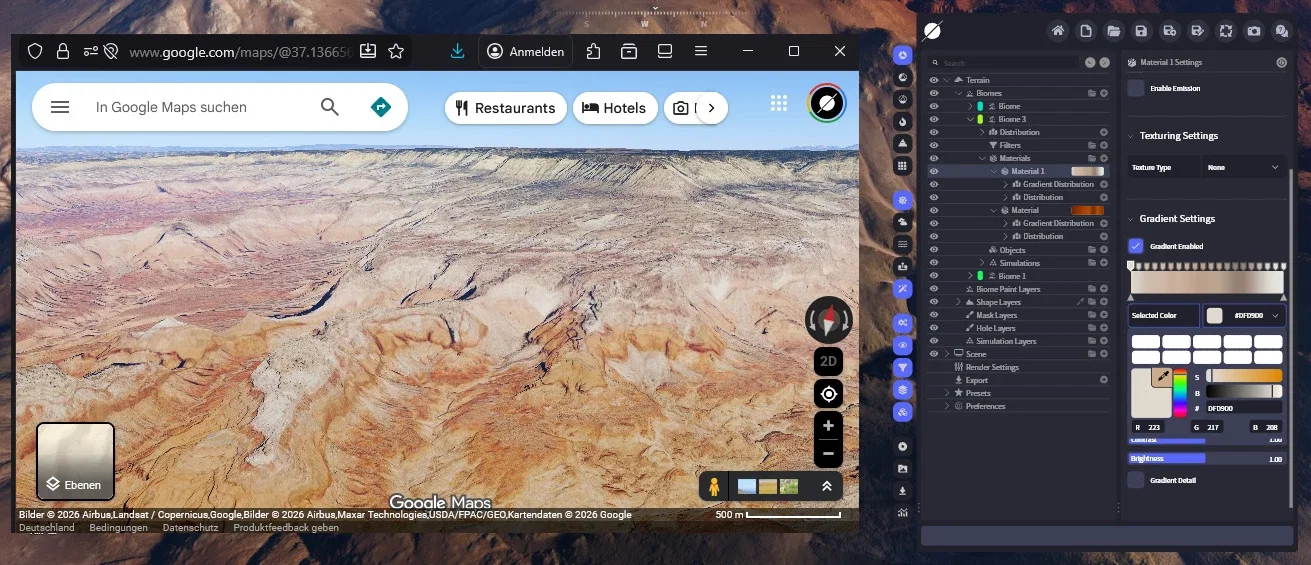
Bring surfaces to life with color, gradients, textures, scans and layered material control

Build rich surface detail with material layers, gradients, scans, color systems, and terrain aware texturing workflows.

Advanced Materials Masking Engines

Advanced Materials Masking Engines

  • Hybrid Masking Workflow (Manual & Procedural)
  • Terrain Aware Selectors
  • Custom Paint & Image Import
  • Dynamic Noise Generators
  • Universal Filter Control
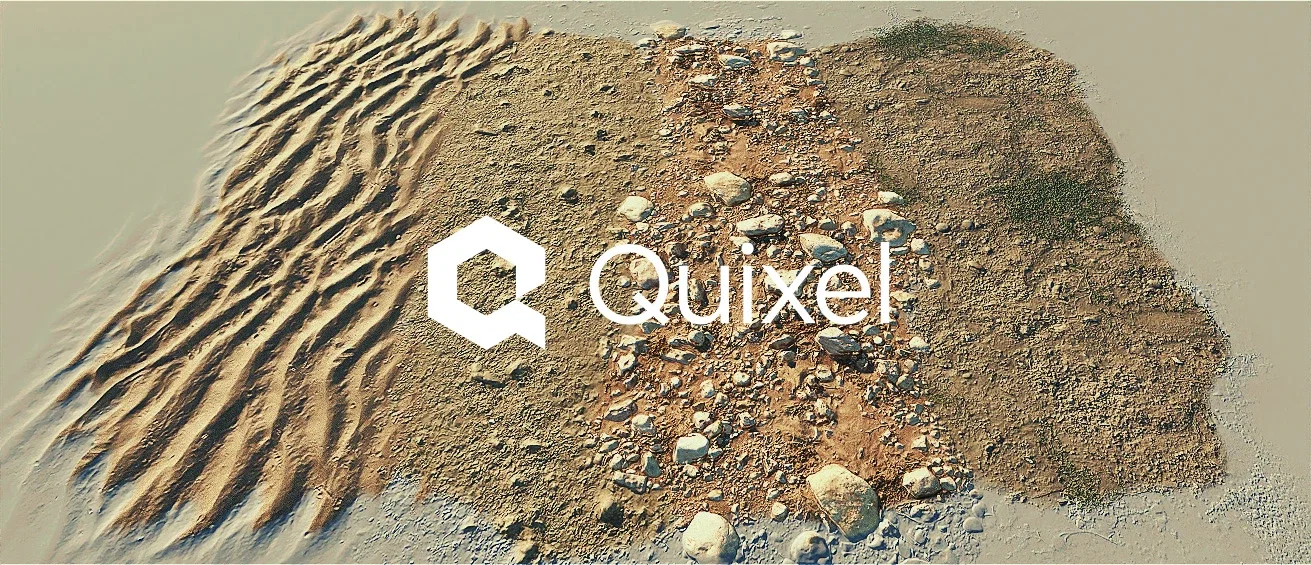
Material Layering

Material Layering

  • Photoshop style workflow
  • Non destructive stacking
  • Real world surface logic
  • Clean layer management
  • Instant visual feedback
Rapid Color Blocking

Rapid Color Blocking

  • High speed visualization
  • Simplified scene blocking
  • Dynamic palette control
High End PBR Texturing

High End PBR Texturing

  • Full PBR workflow support
  • Archive import
  • Custom texture sets
  • Quixel Megascans ready
  • Maximum realism
Adobe Substance Support

Adobe Substance Support

  • Real time customization
  • Full feature compatibility
  • Parametric flexibility
  • Professional quality
Gradient Map Coloring

Gradient Map Coloring

  • Satellite map integration
  • Rapid color distribution
  • Artistic flexibility
  • Procedural efficiency
  • Instant visual feedback
Synthesize Gradients

Synthesize Gradients

  • External color sampling
  • Satellite data integration
  • Total artistic control
Fluvial Advection and Color Erosion

Fluvial Advection and Color Erosion

  • Natural sediment transport
  • Organic color blending
  • Gradient synergy
  • Dynamic surface aging
  • Procedural realism
Micro Detail Displacement

Micro Detail Displacement

  • Authentic visual depth
  • Micro detail enhancement
  • High fidelity results
  • Dynamic light interaction

Universal Texture & Material Import

Stop worrying about compatibility and start creating. World Creator handles any source you throw at it, photorealistic landscapes, stylized game worlds, archive packs or custom builds.

Industry standards

Seamlessly import high quality assets from Quixel Megascans or Adobe Substance 3D.

Total flexibility

Use textures from Game Textures, Texture Archive, or any specialized web marketplace.

Format agnostic

From standard JPEGs and PNGs to high bit depth TIFFs and EXRs for displacement maps.

Drag, drop, design

Import Albedo, Normal, Displacement or AO maps and transform them into terrains instantly.

  • Quixel
  • Adobe Substance
  • GameTextures
  • Textures.com
  • MapTiler
  • Fab

Included library

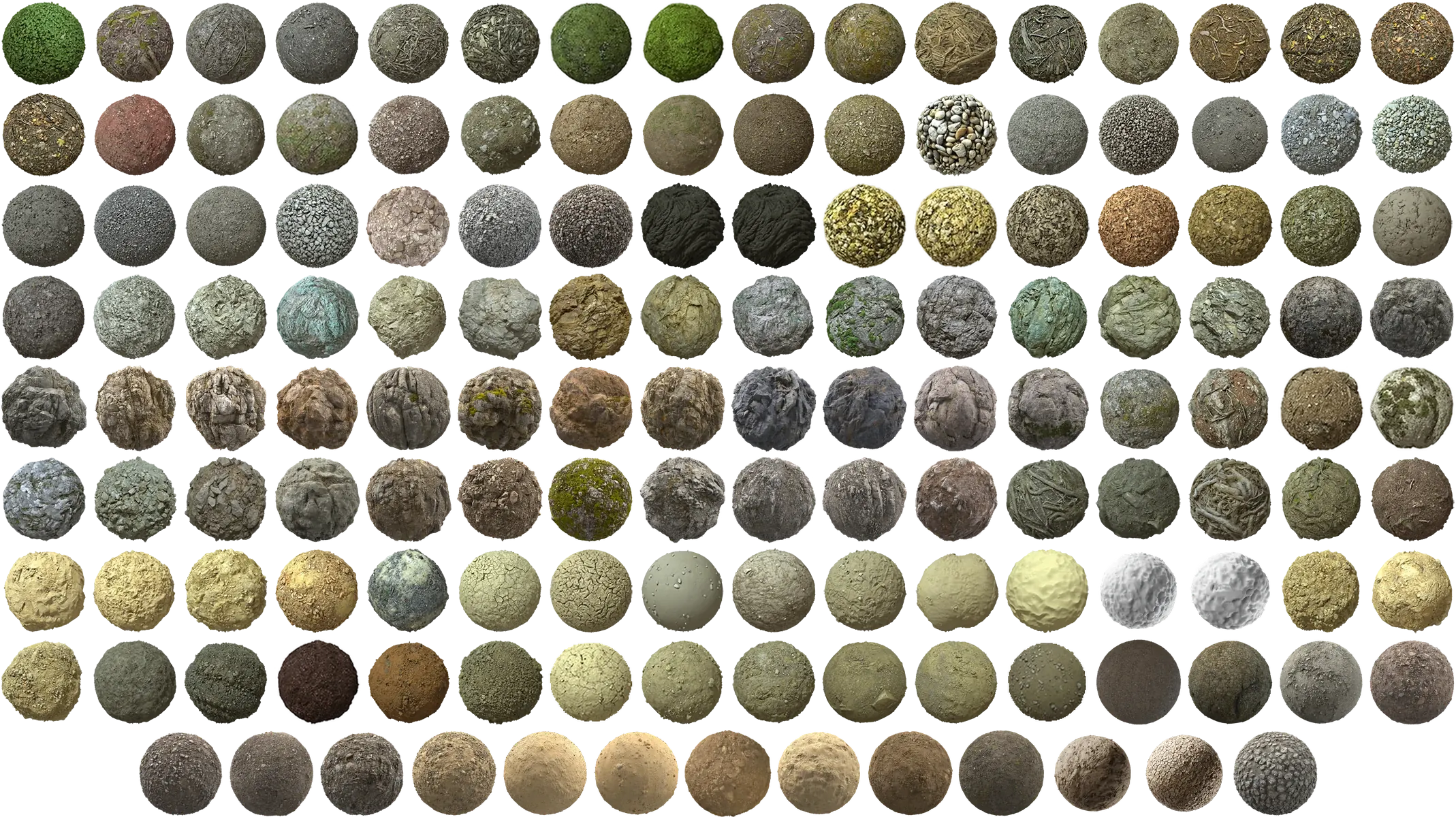
Royalty Free Material Scans

The Professional, Studio and Enterprise licenses include royalty free 2D material scans so you can move faster from rough terrain to convincing final environments.

140+Material scans

Optimized and production friendly, ready to drop straight onto your terrain.

100%Royalty free

Included with your license. No extra pack hunting, no per project fees.

The full library of royalty free material scans included with World Creator, shown as preview spheres

Scenery Design

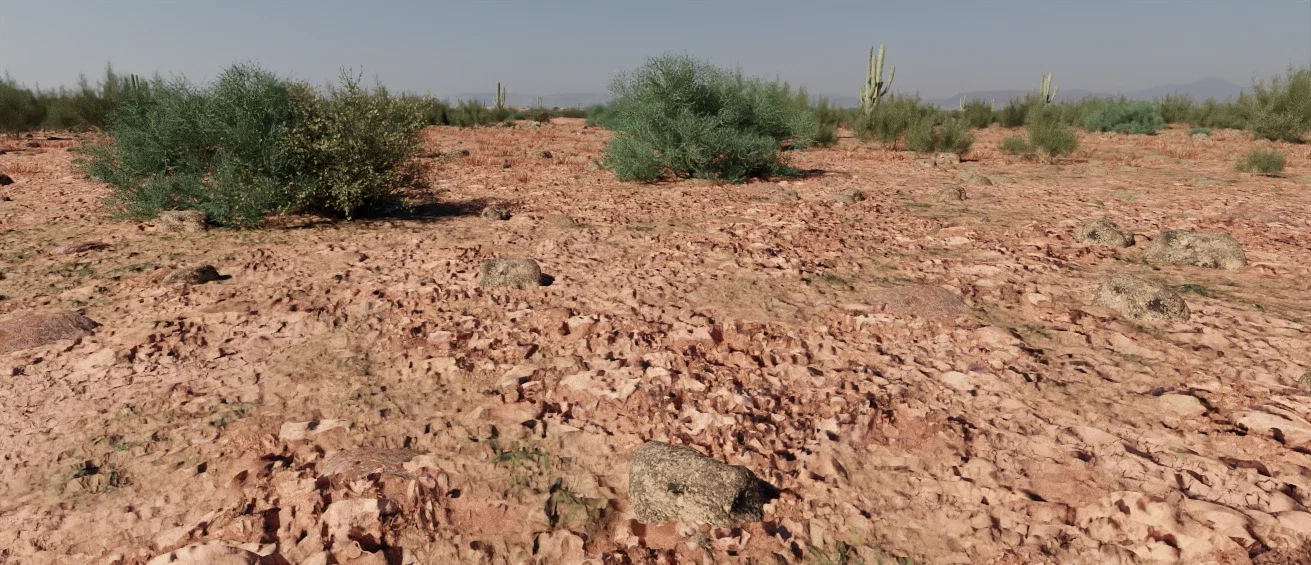
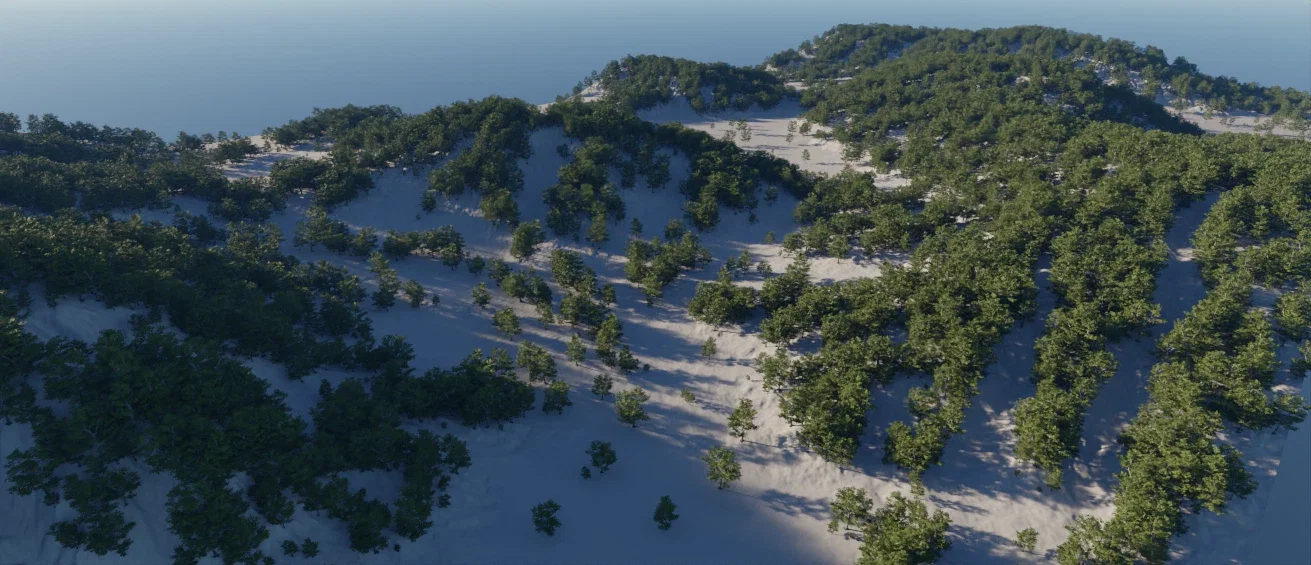
Scatter vegetation, rocks and assets with context aware procedural placement

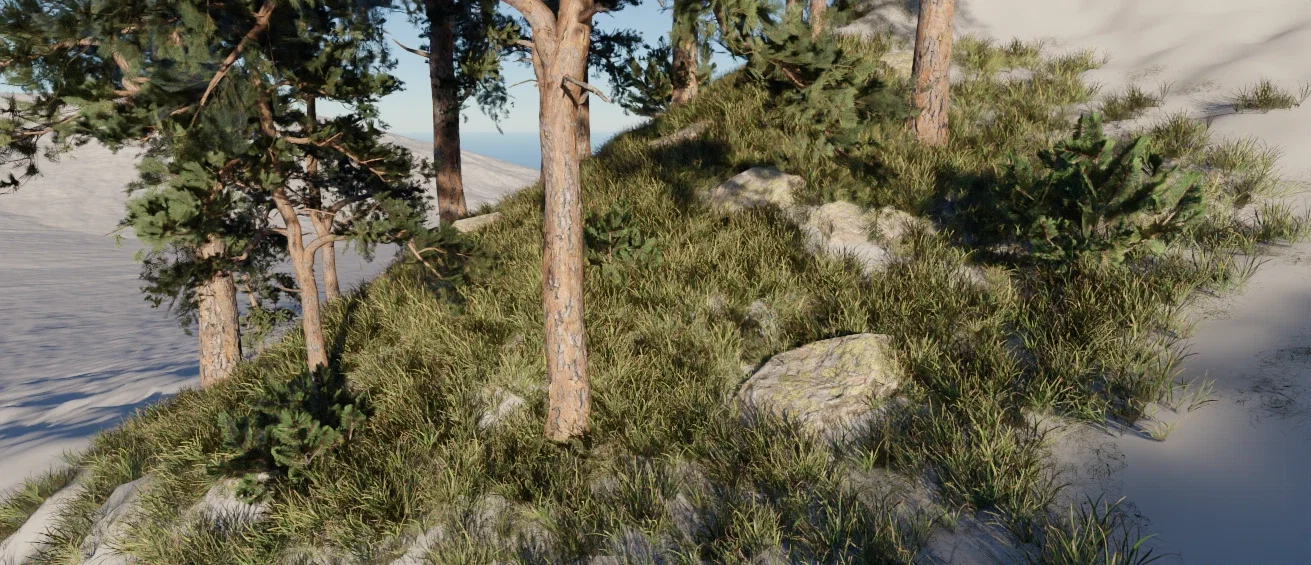
Scatter millions of custom 3D assets, from lush forests and grasslands to rocky outcrops and urban structures, and watch your terrain come to life.

Advanced Scattering Masking

Advanced Scattering Masking

  • Hybrid masking workflow
  • Terrain aware selectors
  • Material aware object placement
  • Custom paint & image import
  • Dynamic noise generators
Procedural Scattering

Procedural Scattering

  • Universal asset import
  • Massive instance handling
  • Infinite variation
  • Automatic avoidance
  • Dynamic adaptation
Manual Asset Placement

Manual Asset Placement

  • Precise positioning
  • Individual transformation
  • Artistic composition
  • Seamless layering
  • Intuitive interaction
Instancing & Performance

Instancing & Performance

  • Massive object counts
  • GPU optimized rendering
  • Real time interactivity
Terrain Conformity

Terrain Conformity

  • Automatic ground leveling
  • Smart footprint matching
  • Seamless edge blending
Universal Format Support

Universal Format Support

  • Ultra high poly assets
  • GLB, FBX, OBJ, and more
  • Optimized loading
  • Production ready

Bring in assets from the libraries you already use

Anything you download from libraries like these imports straight into World Creator. GLB is the preferred format and gives the most dependable results, and other common mesh formats work as well. These are simply the names most artists recognise; the importer is in no way limited to them.

  • MaxTree
  • Superhive
  • Globe Plants
  • Fab
  • Unity Asset Store
  • TurboSquid

Included library

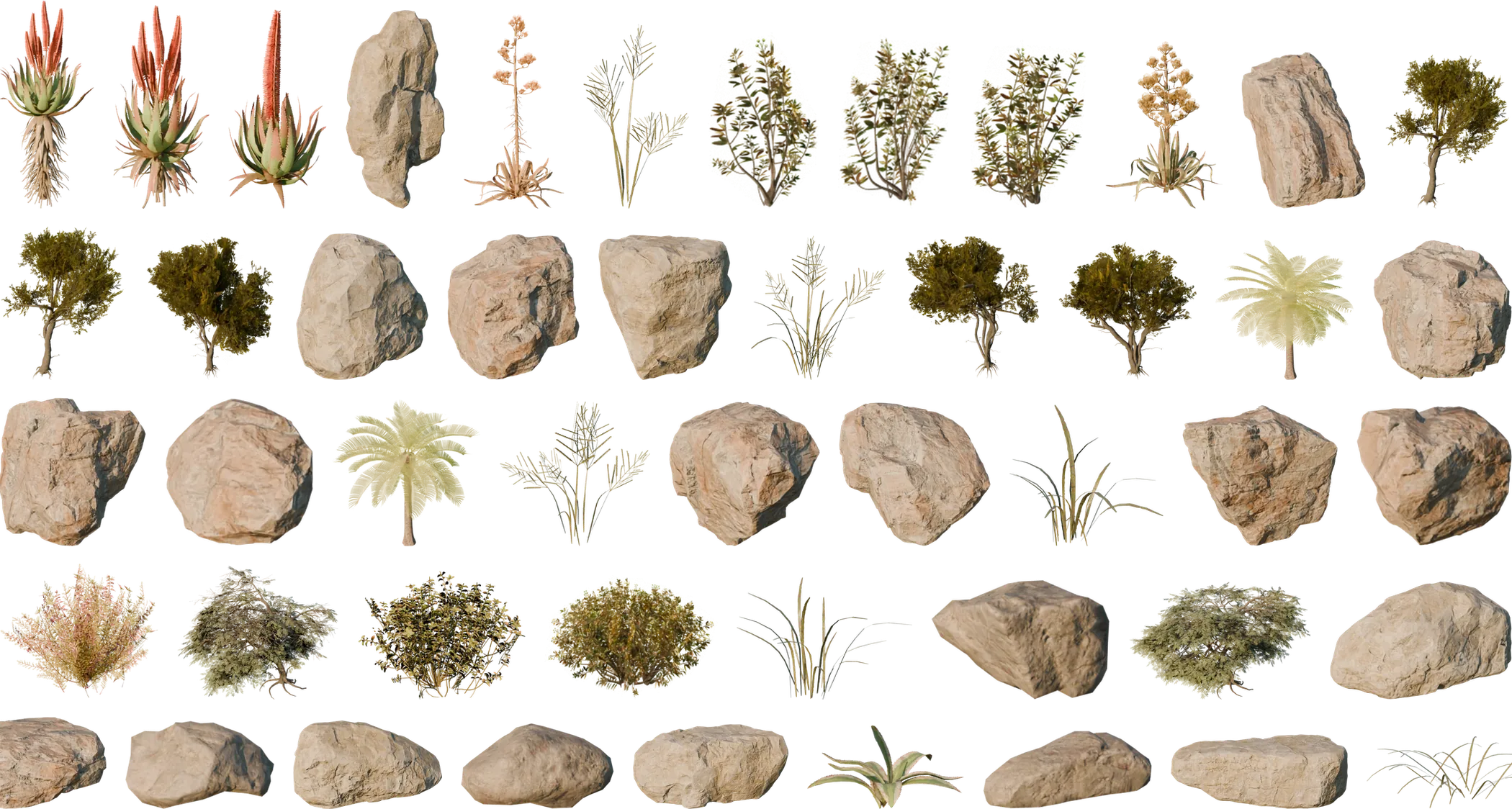
Royalty Free 3D Assets

The Professional, Studio and Enterprise licenses ship with royalty free 3D asset content so you can populate your terrain straight away.

40+3D assets

Trees, shrubs, grasses and rocks, optimized and ready to scatter across your terrain.

100%Royalty free

Included with your license. No extra pack hunting, no per project fees.

The royalty free 3D asset library included with World Creator: trees, shrubs, grasses and rocks

Rendering

Visualize and capture your vision with next generation cinematic clarity

Preview and present your worlds with cinematic render modes, atmosphere, lighting, depth, tone mapping, and viewport enhancements.

Real Time Path Tracer

Real Time Path Tracer

Render landscapes with a built in real time path tracer that produces cinematic lighting, reflections and global illumination directly while you design your terrain.

Volumetric Clouds

Volumetric Clouds

Create dynamic skies with volumetric cloud systems that add scale, atmosphere and realism to your terrains and landscapes.

Realistic Water

Realistic Water

Simulate believable lakes, rivers and ocean surfaces with advanced water rendering that reacts naturally to terrain and lighting conditions.

Reflections & Global Illumination

Reflections & Global Illumination

Enhance realism with accurate reflections that respond to terrain surfaces, water bodies and lighting environments.

Emissive Materials

Emissive Materials

Add glowing materials and light emitting surfaces to highlight elements of your environment and enrich cinematic scenes.

LUTs

LUTs

Apply color grading with LUT support to create consistent visual styles and cinematic moods across your terrain renders.

Render Views

Render Views

Switch between multiple render views to inspect terrain details, materials and final cinematic presentation inside the real time viewport.

HDRI Maps

HDRI Maps

Use HDRI environments to light and reflect your landscapes realistically while previewing your world in a production ready environment.

Atmosphere, Haze & Fog

Atmosphere, Haze & Fog

Add depth, distance and environmental realism with atmospheric scattering, haze and fog systems that strengthen landscape scale.

Lighting

Lighting

Control sunlight, sky lighting and environmental illumination to define the mood, readability and time of day of your terrain.
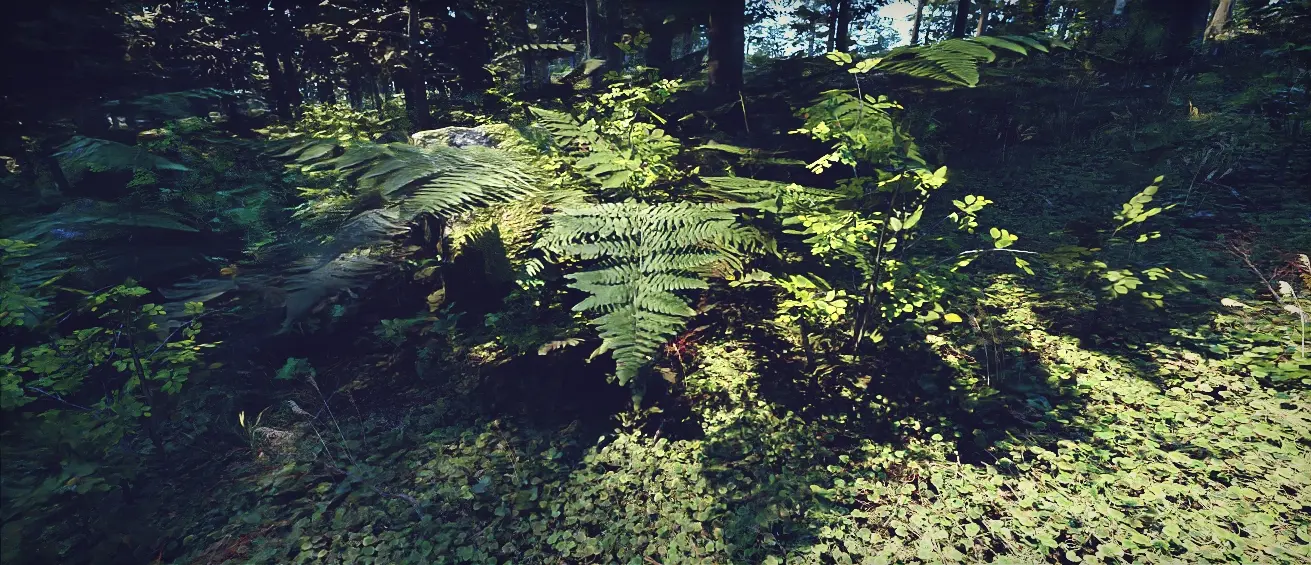

Epic Shadows

Epic Shadows

Generate strong and accurate terrain shadows that enhance depth perception and reveal the structural beauty of landscapes.

Depth of Field

Depth of Field

Create cinematic focus and emphasize terrain composition with depth of field controls designed for high quality landscape presentation.

Simple Video Creation

Record cinematic flythroughs and animated terrain previews directly inside World Creator to showcase your landscapes instantly.

Export & Bridge Tools

Export anywhere: Unreal Engine, Unity, Blender and Houdini

Move your worlds into production: export heightmaps, splat and weight maps, meshes, splines and object data, plus live bridges to Unreal Engine, Unity, Blender and Houdini.

Export data

High value production outputs

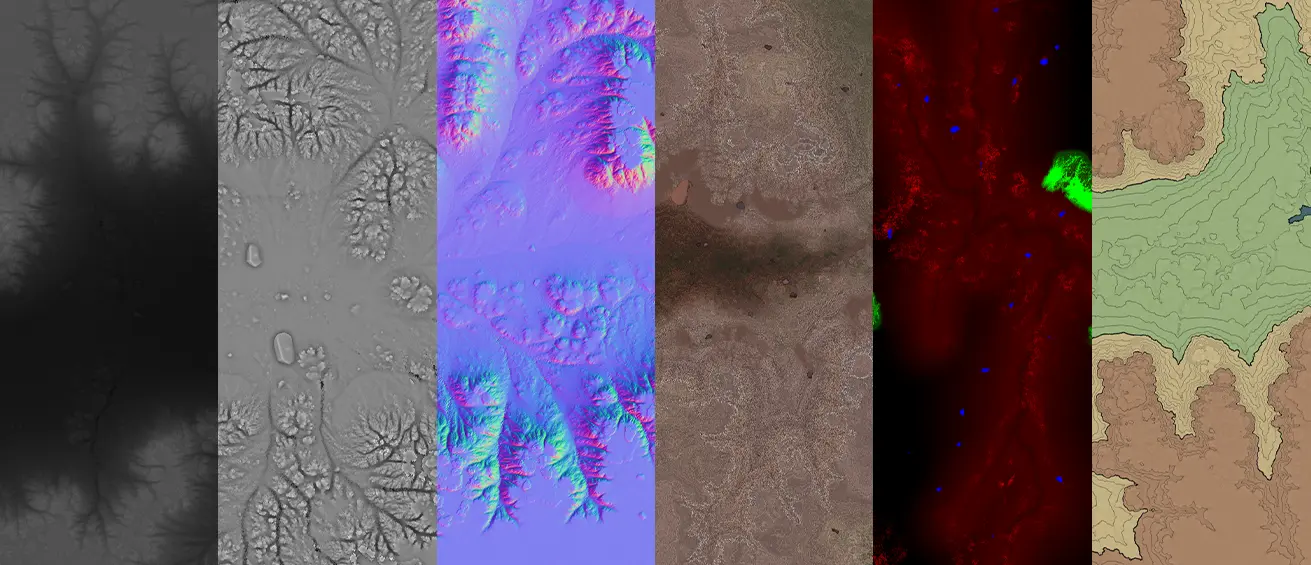
  • Height, Color and Utility Maps. Export terrain structure, terrain color and physically relevant surface information.
  • Topo, Geological and AO Maps. Extract technical and visual terrain information for analysis, shading and stylized uses.
  • Simulation, Biome and Object Data. Carry over erosion logic, biome information and scatter placement into downstream workflows.

Live bridges

Connected workflows with major tools

  • Bridge to Unity & Godot. Push terrain changes into Unity and Godot more directly and keep your environment workflow moving.
  • Bridge to Unreal & Houdini. Integrate World Creator more naturally into game engine and technical art pipelines.
  • Bridge to Blender & Cinema 4D. Move worlds into DCC tools for lighting, scene building, look development and final presentation.

Detailed export support

World Creator supports a wide range of export formats and production data, making it easy to continue your workflow in game engines, DCC tools, technical pipelines and simulation driven environments.

World Creator export configuration interface

Terrain Geometry & Height Data

Export height maps in RAW 8 bit, 16 bit and 32 bit, EXR, ASC, XYZ, DEM formats and even as meshes for direct terrain reconstruction in external tools.

Surface & Material Maps

Export color maps, splat maps, normal maps, roughness maps, metalness maps, ambient occlusion maps and biome maps for shading, terrain texturing and look development.

Technical & Geological Data

Generate topo maps, geological maps and terrain analysis outputs such as slope, elevation, flow, cavity, angle, rock masks and gradients for advanced terrain generation workflows.

Simulation & Distribution Outputs

Export simulation maps for erosion, sediment, flow, snow, sand and water, along with custom distribution maps that describe exactly where filters, materials and terrain effects are applied.

Spline Export

Export splines for roads, rivers, ridgelines and paths, ready to drive road tools, rail systems or procedural placement in your engine of choice.

DEM & GIS Compatible Formats

Support includes HGT, GeoTiff, DTED, Arc/Info ASCII Grid, VRT and XYZ, making World Creator suitable for real world terrain production alongside artistic world building.

Build custom worlds for modding communities

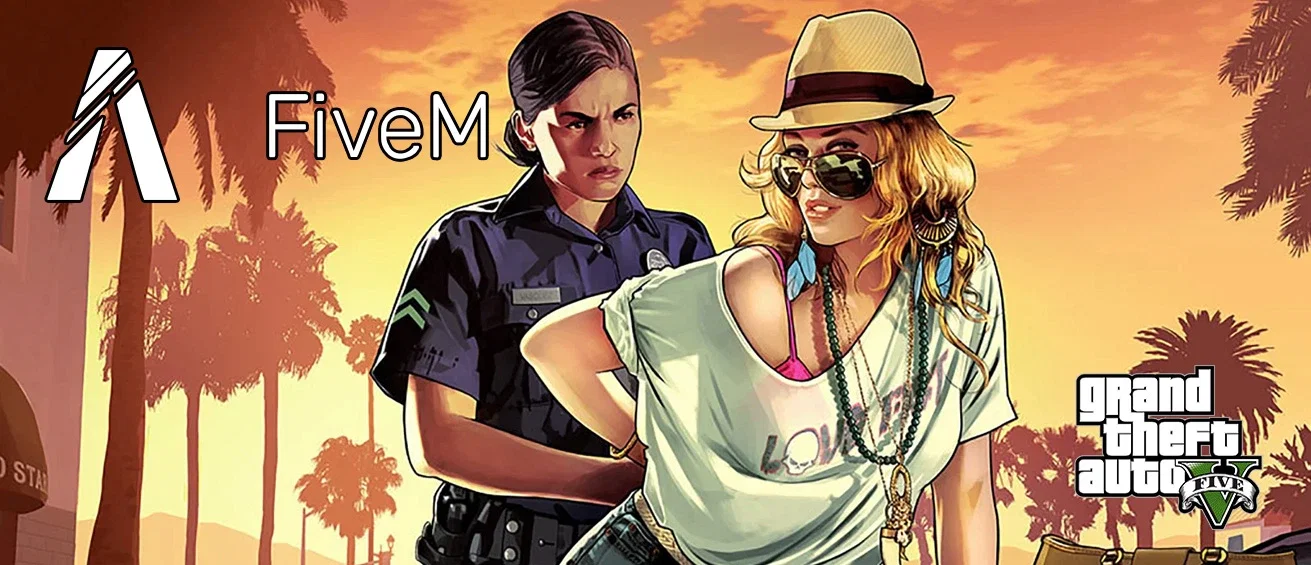
World Creator officially supports the GTA 5 modding community, including platforms like FiveM. With the Blender Bridge Tool, terrains created in World Creator can be transferred into Codewalker and brought directly into the GTA 5 game world.

World Creator terrain rendered in GTA V via FiveM
Official GTA 5 & FiveM support
Custom maps in game
Blender Bridge to Codewalker
Seamless map building pipeline
Growing ecosystem
Roblox, Fortnite, RDR2 in dev

Application Features

A high performance workspace built for daily speed and focus

Stay productive with a real time first application, multilanguage support, intuitive layers, documentation, and a stable production ready workflow.

Everything is Real Time

Work continuously without waiting on classic build cycles between major terrain operations.

Layers or Nodes, Your Choice

World Creator 3 keeps a readable layer based workflow, and World Creator 4, included in Early Access, adds a live node graph where every step stays editable.

Easy to Learn

Jump into terrain creation faster with a workflow that is approachable for both artists and technical users.

Multilanguage Support

Use the application in the language that fits your team and workflow best.

Fully Documented

Explore tools, features and workflows with documentation designed for both onboarding and deeper production use.

Stable & Reliable

Build with confidence using an application focused on performance, consistency and dependable daily operation.

AI support · MCP

Work with your own AI client

World Creator includes an MCP server. MCP, the Model Context Protocol, is an open standard that lets an AI client use the tools of another application. Connect any MCP capable client and it works on your open project with the same checked edits you make by hand.

Live in your editor

Changes show up right away and land in your Undo history.

Checked first

Edits apply all at once or not at all, never over changes the client has not seen.

Generate and export

Clients start generation and exports and follow the progress of running jobs.

Your model, your choice

World Creator contains no AI model and needs no AI account. Your client decides which model it uses.

  • Read the project
  • Change parameters
  • Add filters or nodes
  • Check changes
  • Undo and redo
  • Generate
  • Export

FAQ

Common questions about the feature set