01 · App
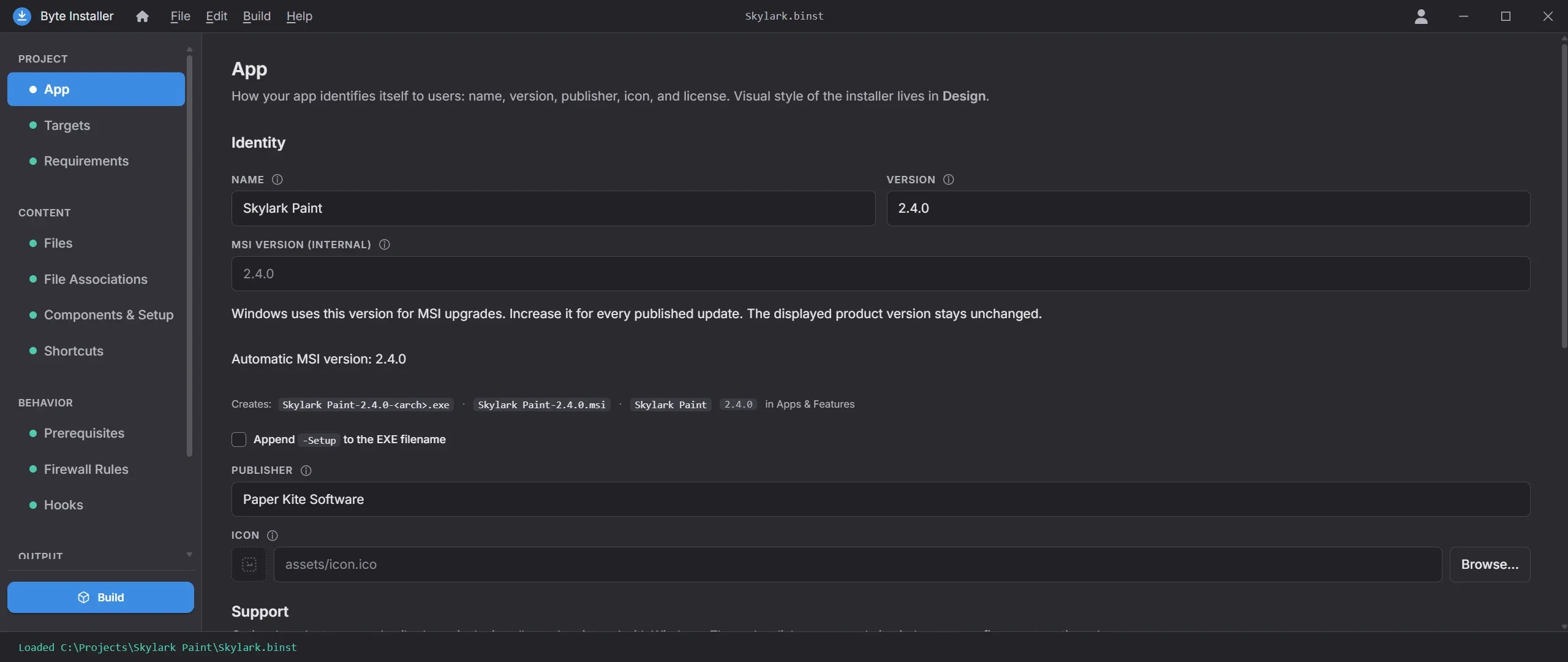
Name your app and add your license
Every installer starts here. Name your app, set its version, publisher and icon, add agreements as their own wizard steps, and enter support contacts that appear as a Support button in the wizard and in Windows.
- Name, version, publisher, icon
- Shown in Add or Remove Programs
- License and EULA pages (text, Markdown, RTF)
- Agreements with optional accept gate
- Support links in wizard and Windows